System Flows in RasaIt’s important to note that there is a naming difference in Studio vs the rest of Rasa for this feature.
What is called a System Flow in Studio is called a Pattern in Rasa. To see a complete list of what patterns are included in Rasa and detailed specs take a look at the reference.
What is called a System Flow in Studio is called a Pattern in Rasa. To see a complete list of what patterns are included in Rasa and detailed specs take a look at the reference.
A Short Intro to System Flows
System flows are pre-built flows available out of the box, designed to handle conversations that go off track. For example, they help when:- The assistant asks for information (like an amount of money), but the user responds with something else.
- The user interrupts the current flow and changes the topic.
- The user changes their mind about something they said earlier.
System Flows in Studio
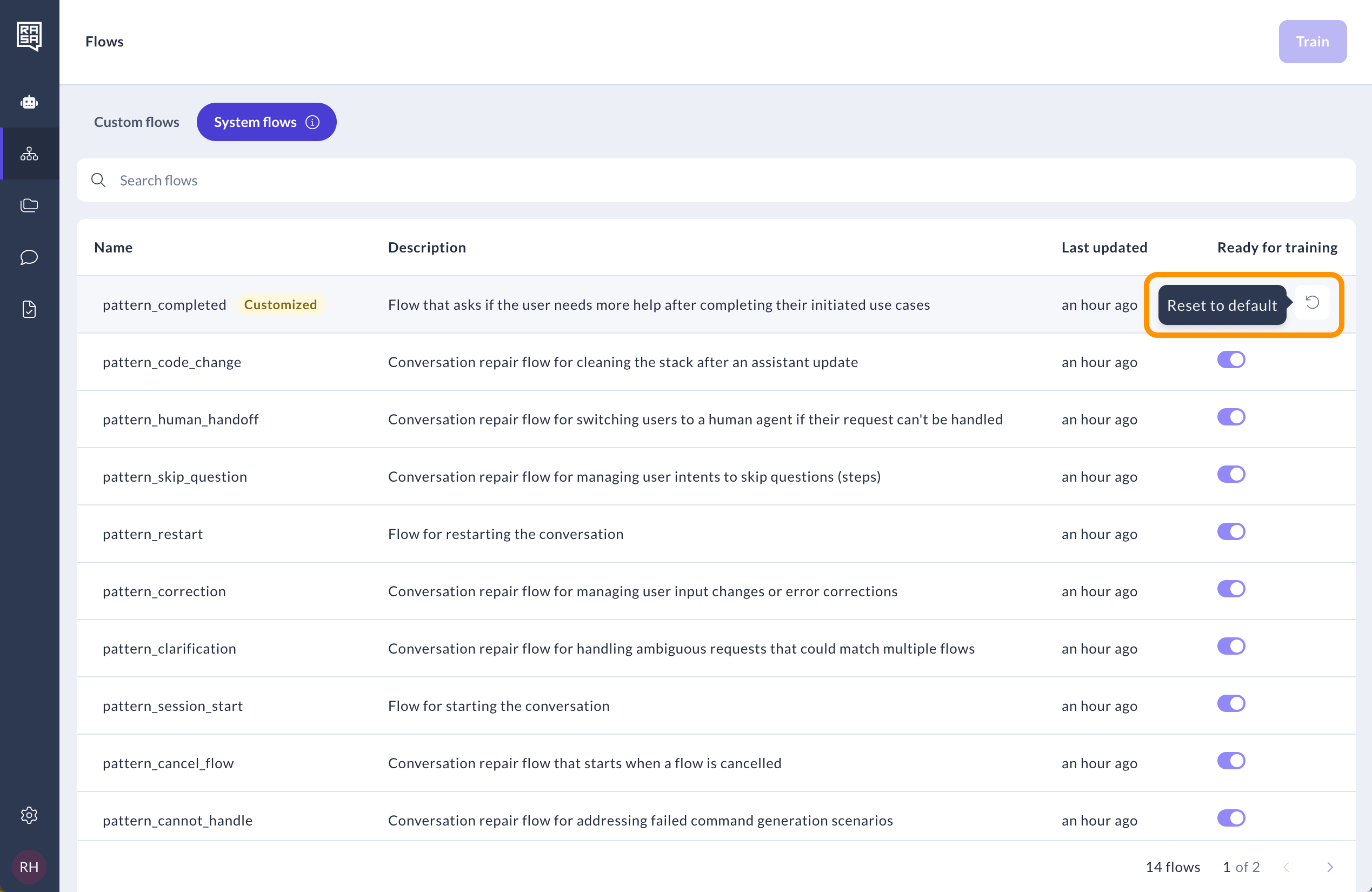
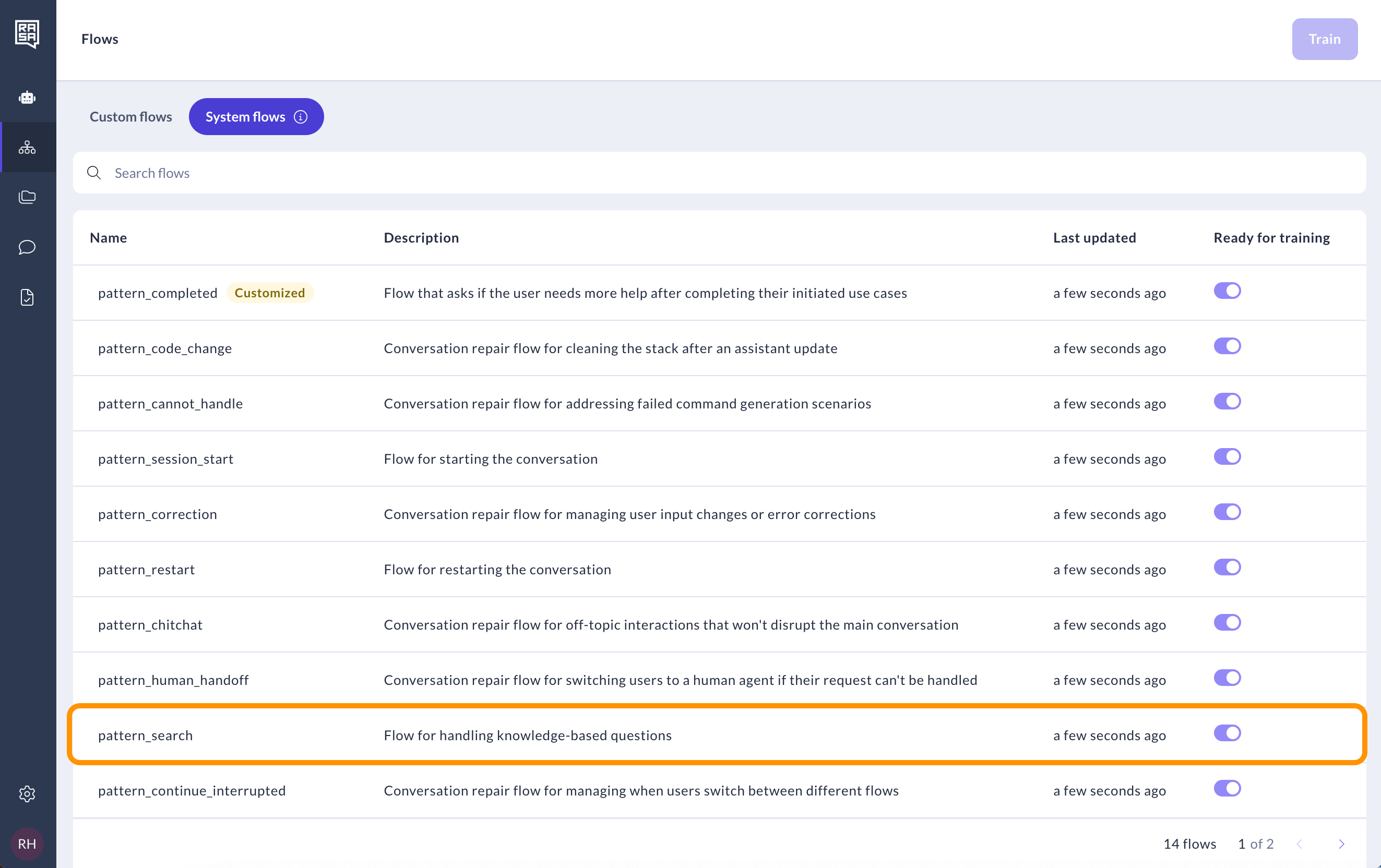
To find system flows, navigate to the System Flows tab of the Flows page.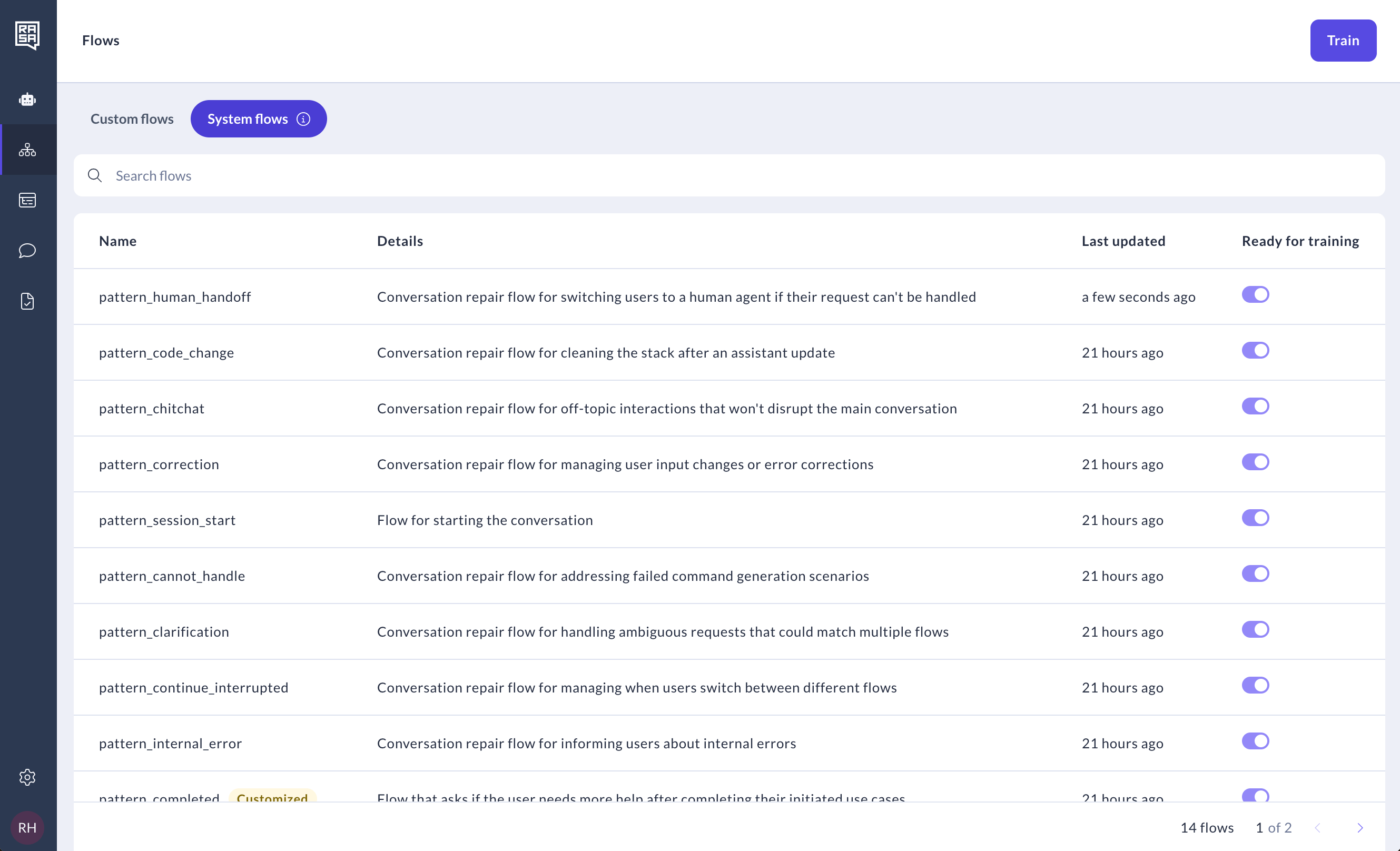
Modifying system flows
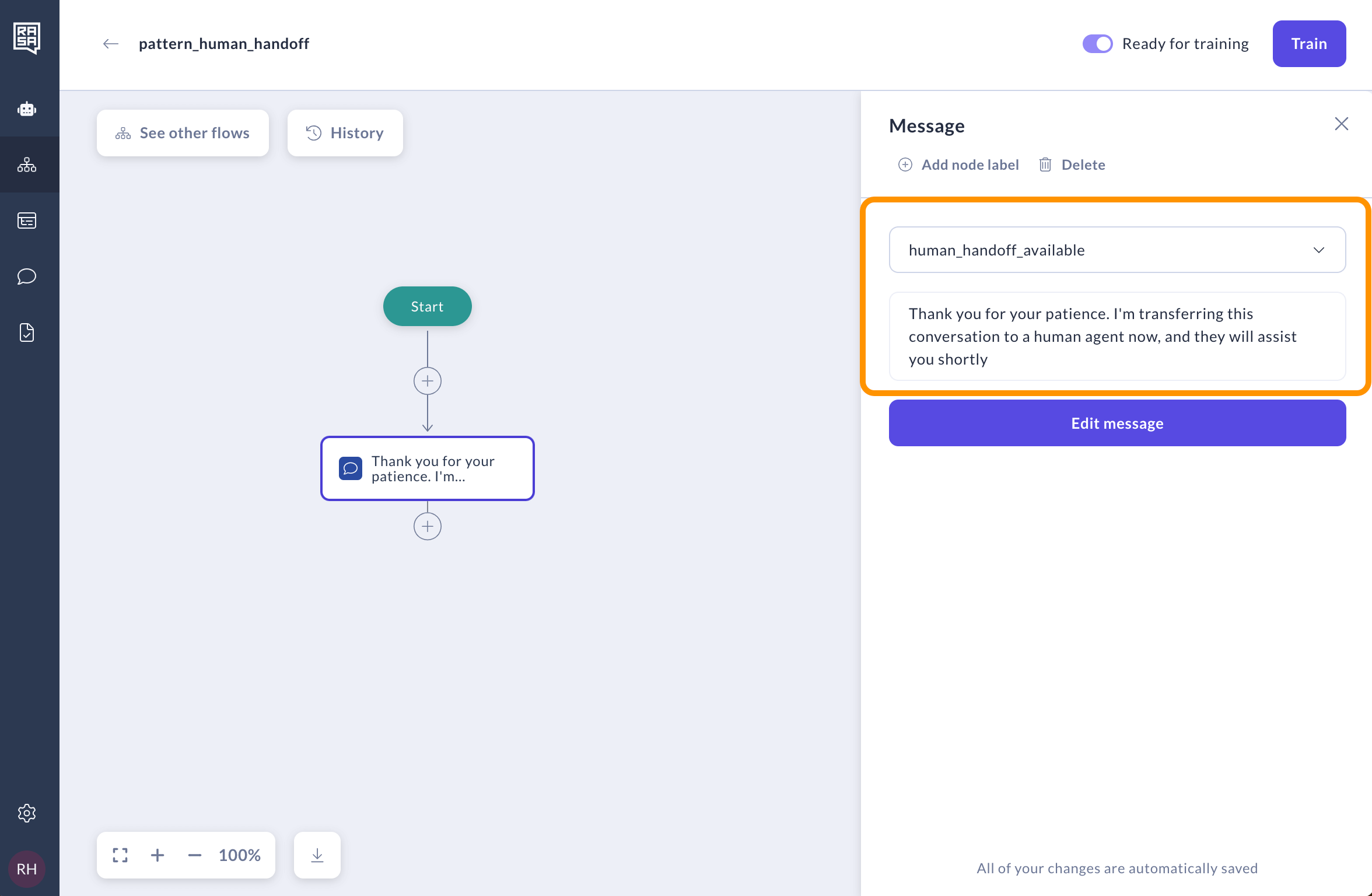
The default version of system flows is always included in your assistant model out of the box. While you can’t disable them—since they are essential for the smooth functioning of your assistant—you can fully customize them to suit your specific business needs and conversation design best practices.Editing system flow texts
To change the default text used in a system flow, you can override the message with a new one. Here’s how: Select the step in a system flow you want to customize.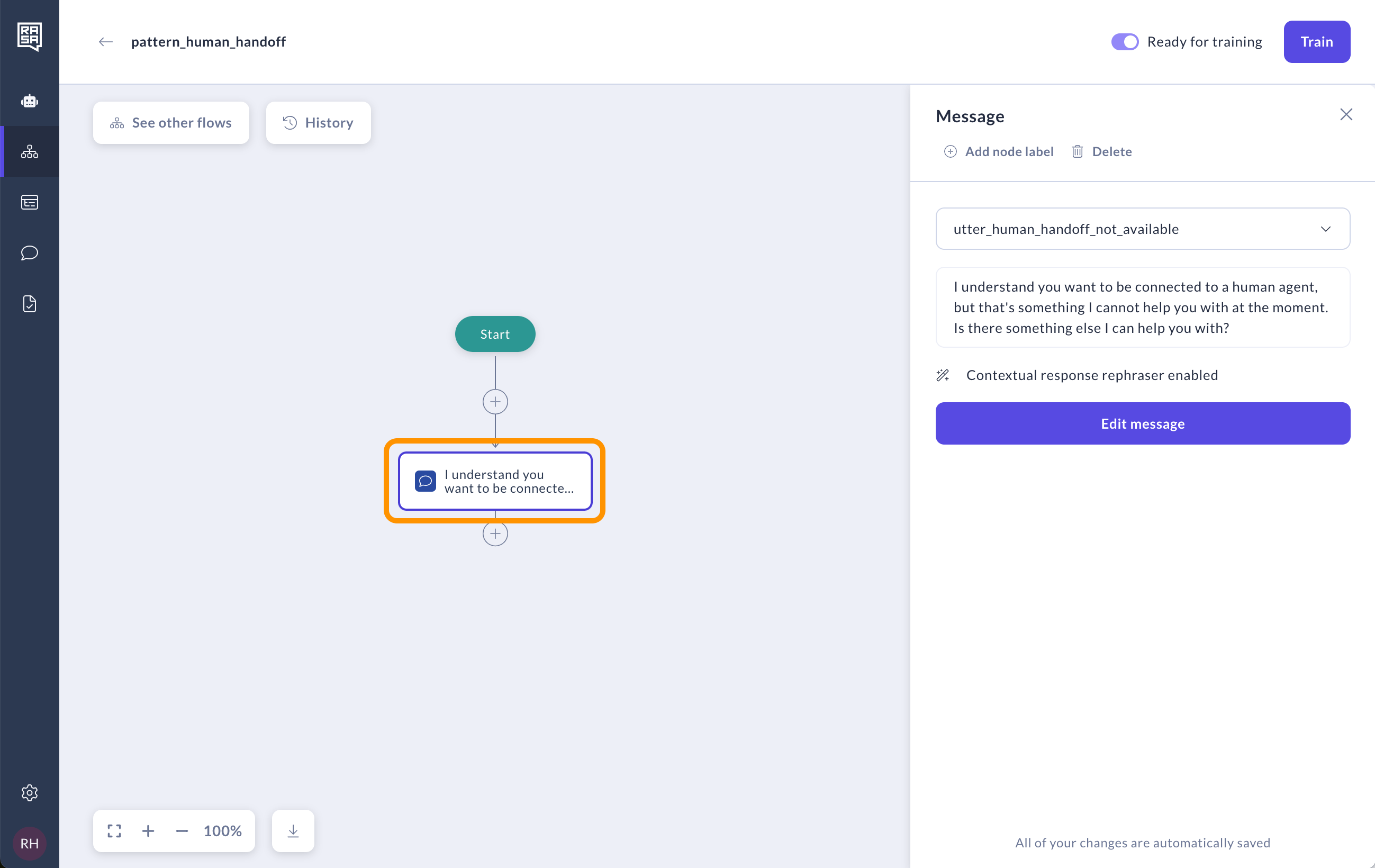
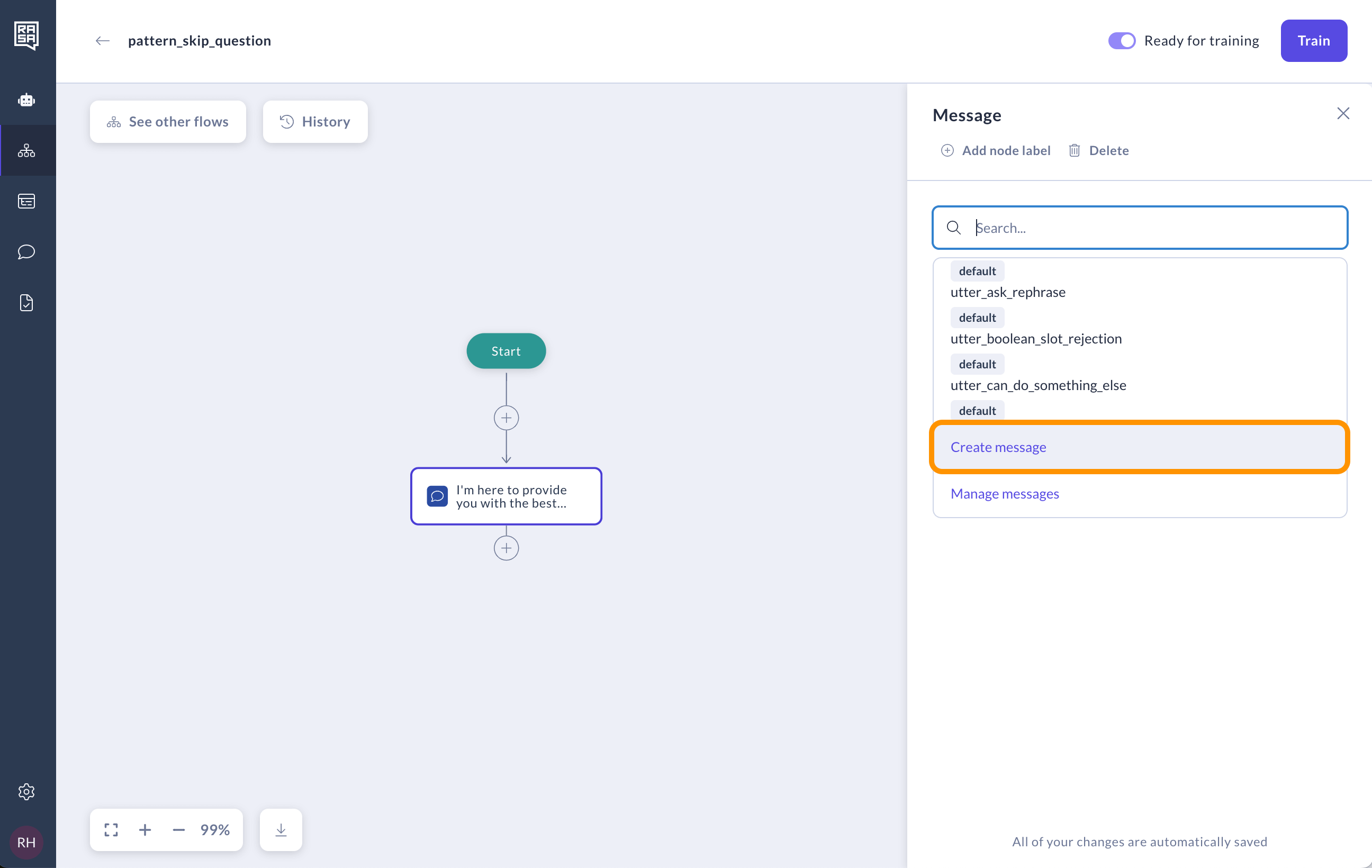
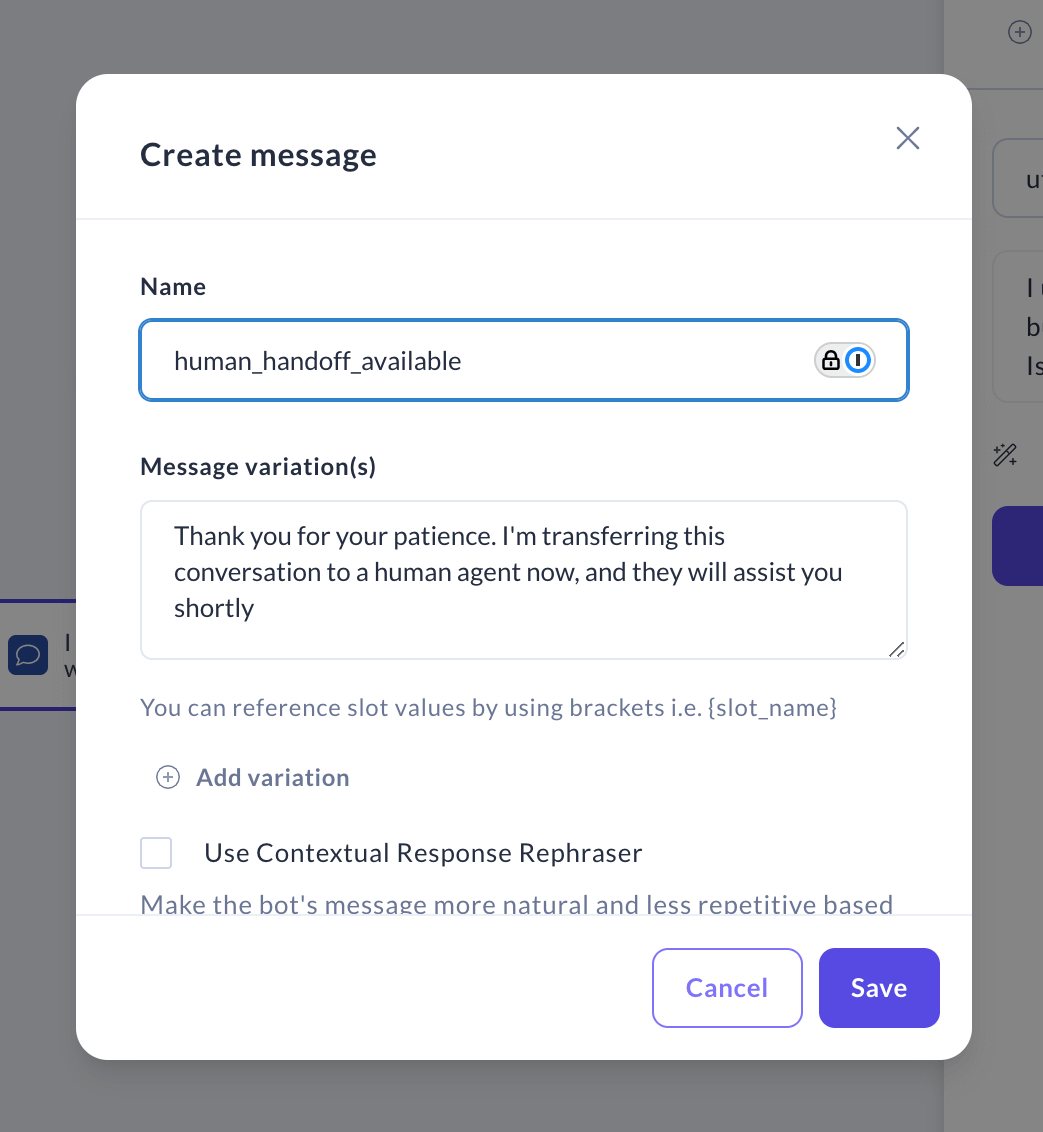
Overriding system flow logic
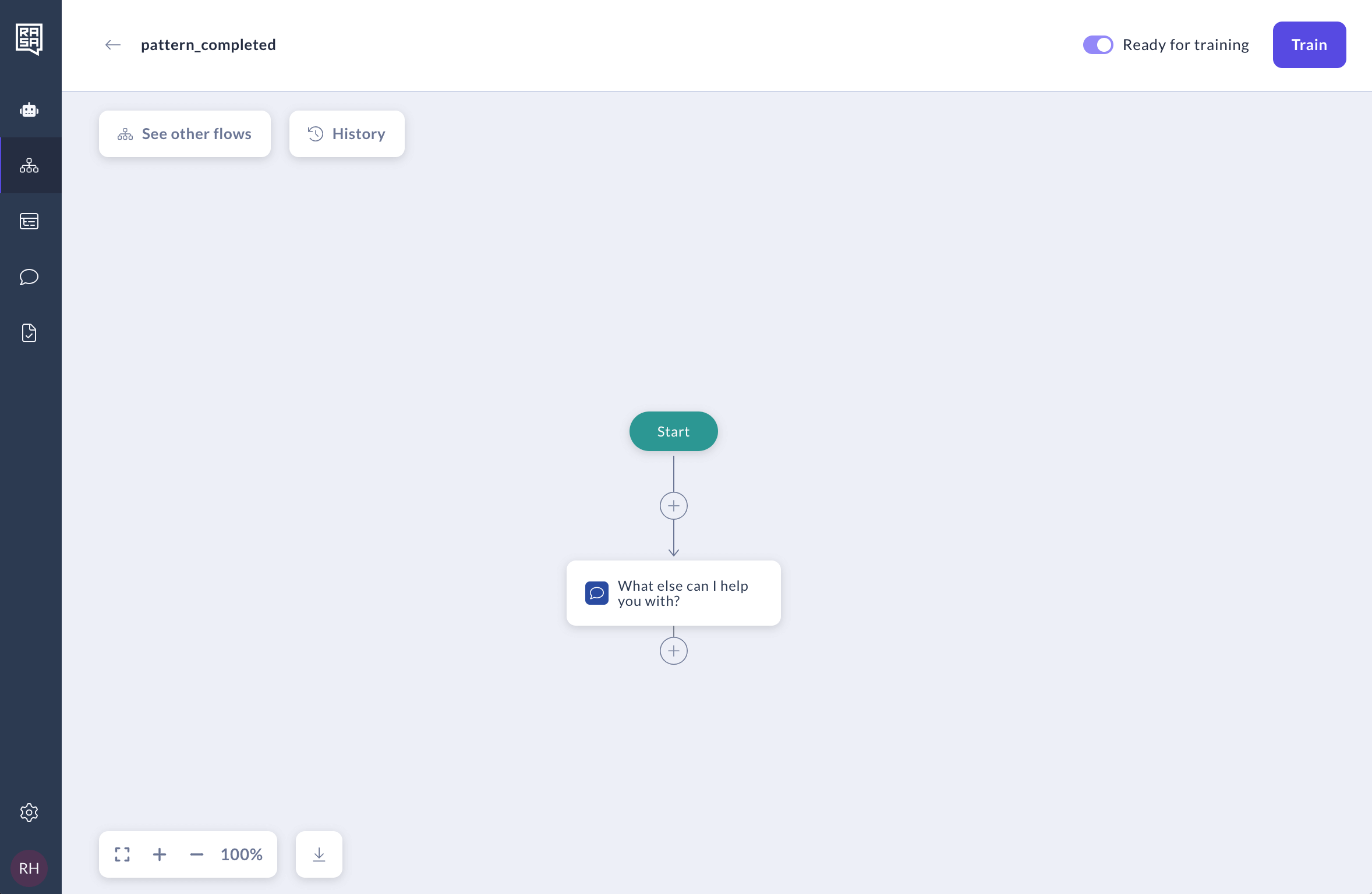
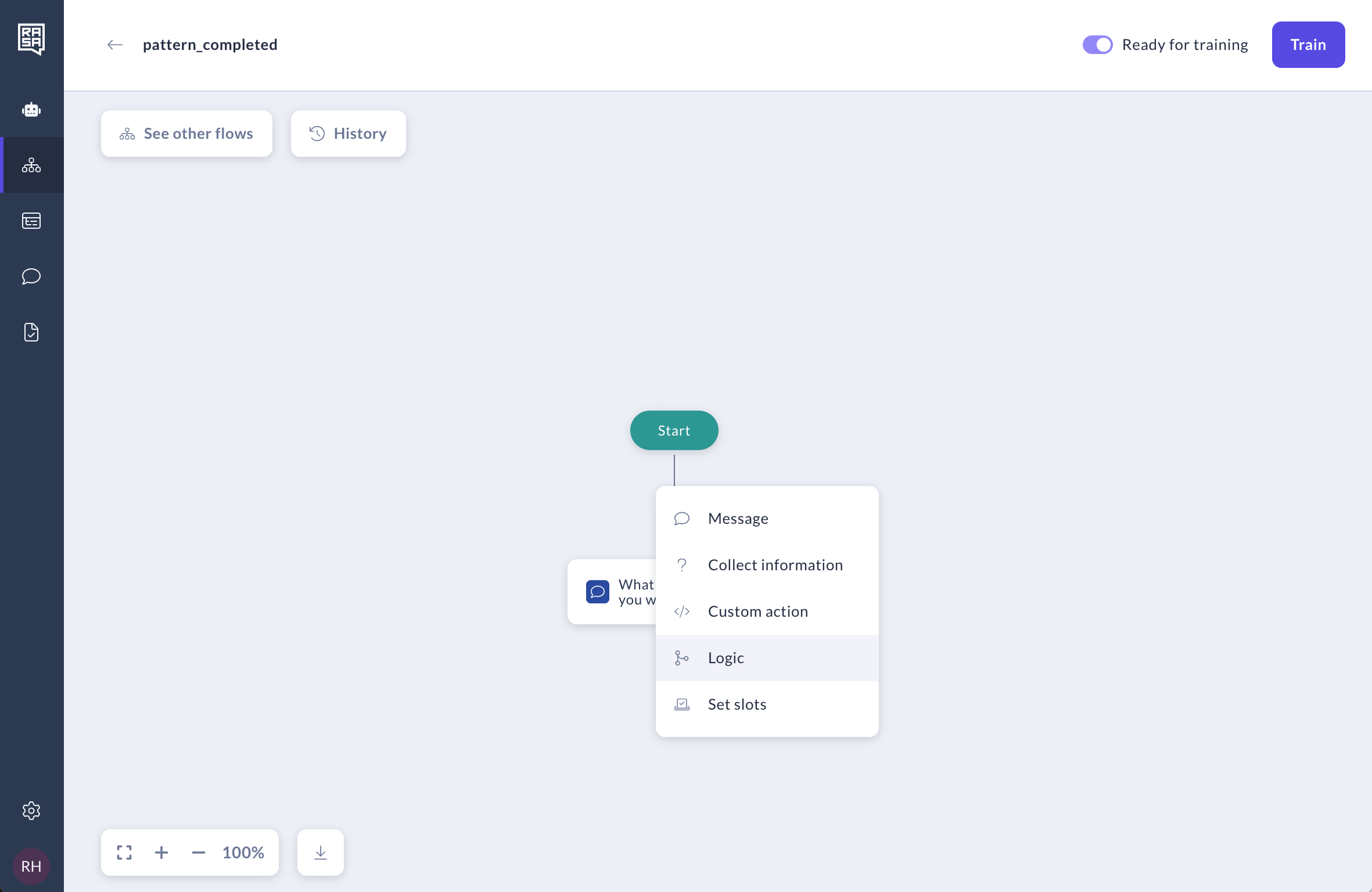
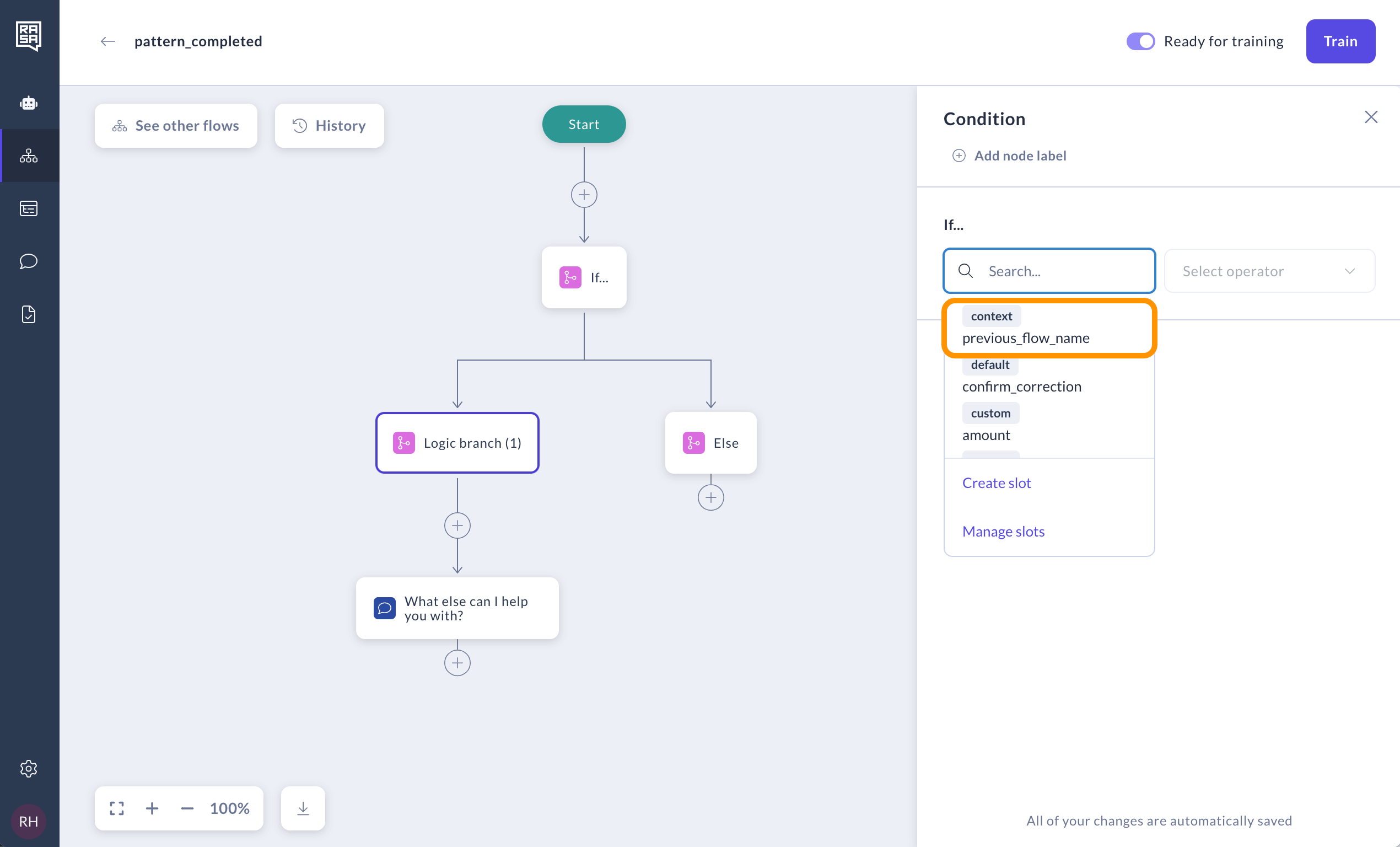
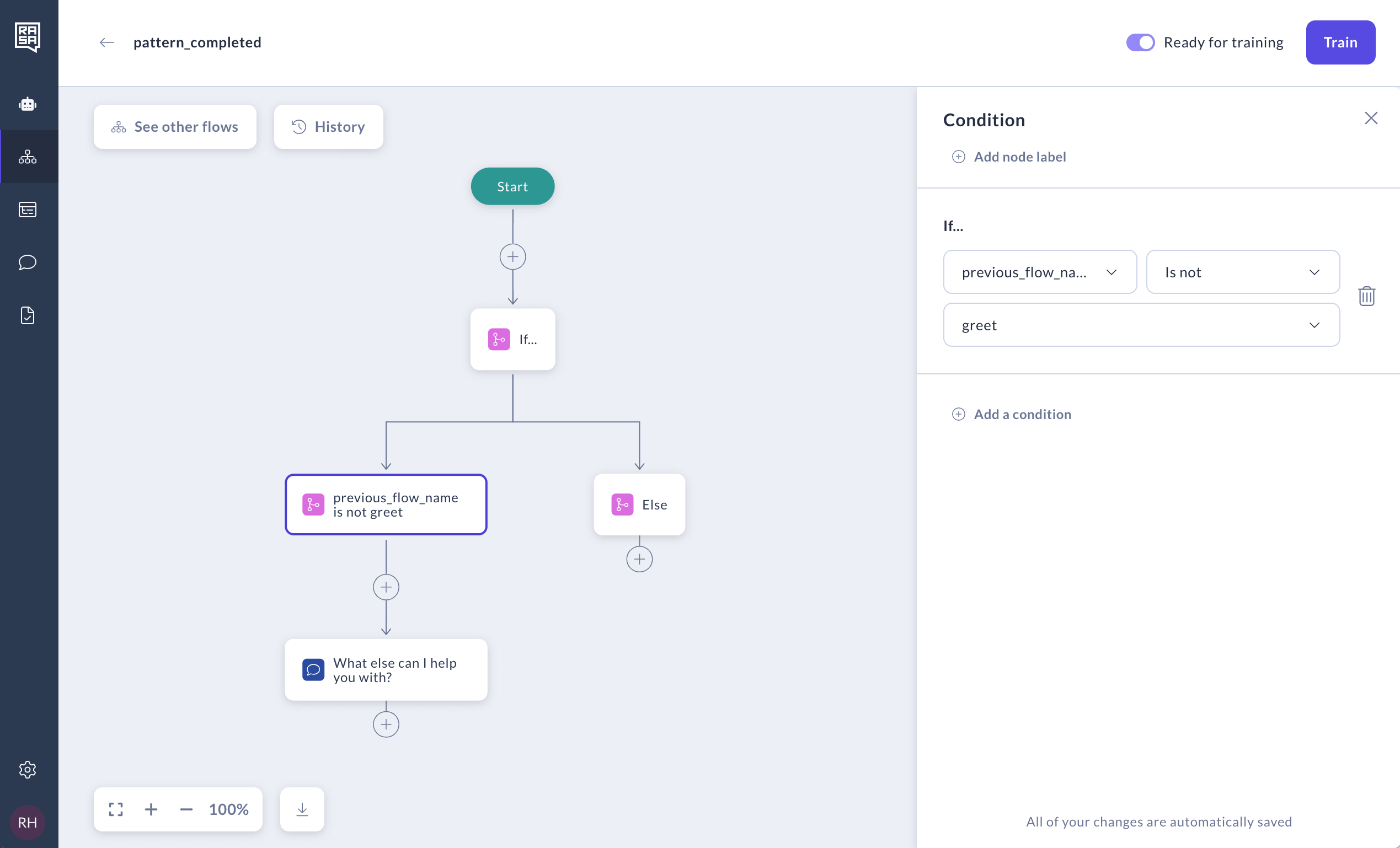
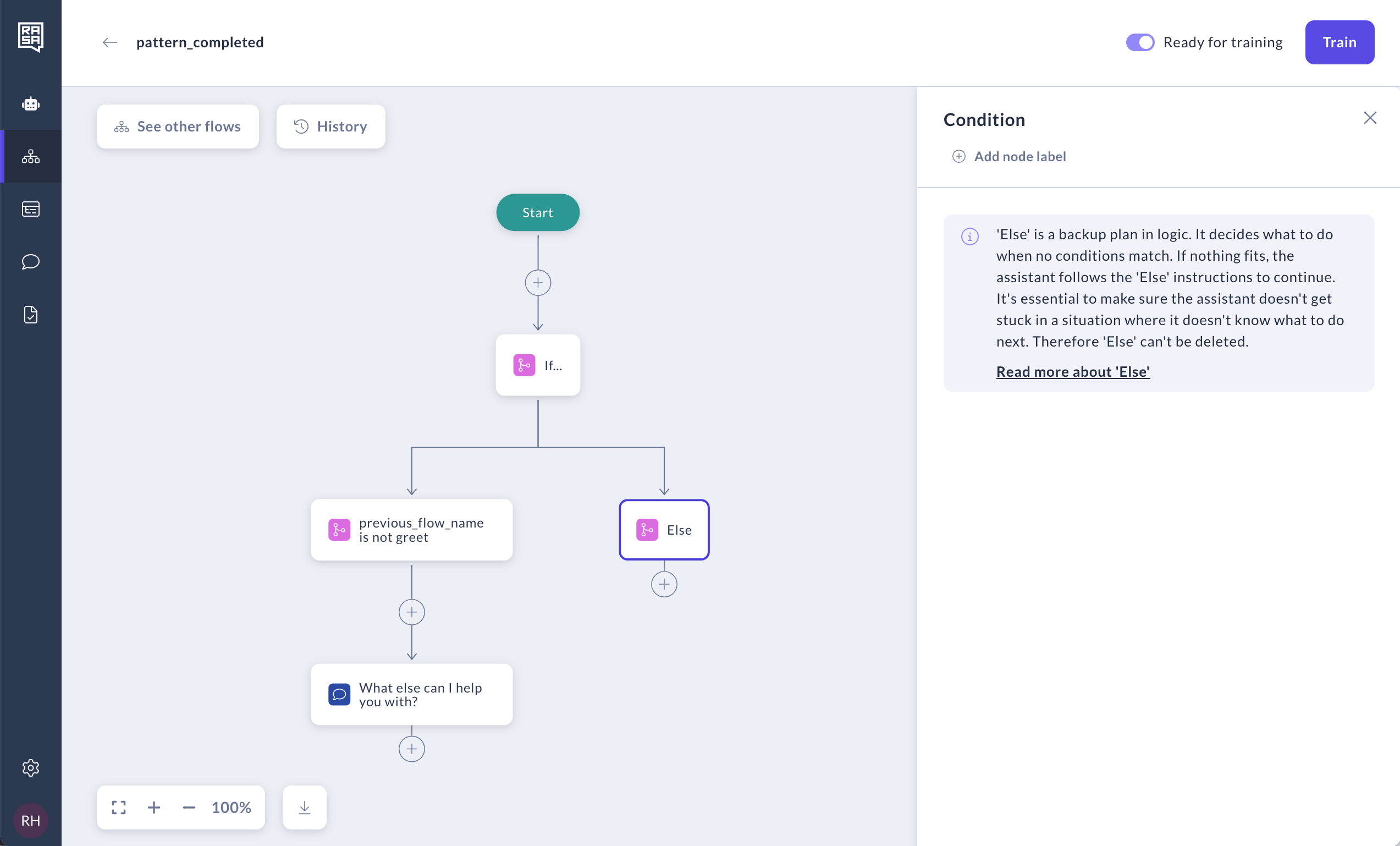
You can modify system flows just like custom ones by adding or removing steps. Let’s walk through an example of modifying thepattern_completed system flow that asks if the user needs more help after completing their goals or ending a conversation.
By default, the pattern_completed has one step—a message that asks, “What else can I help you with?” This message will be presented to the user after each flow ends unless there are specific links to other flows. However, after some flows, such as a greeting, we may want to skip this question, especially when the assistant hasn’t provided any help yet.
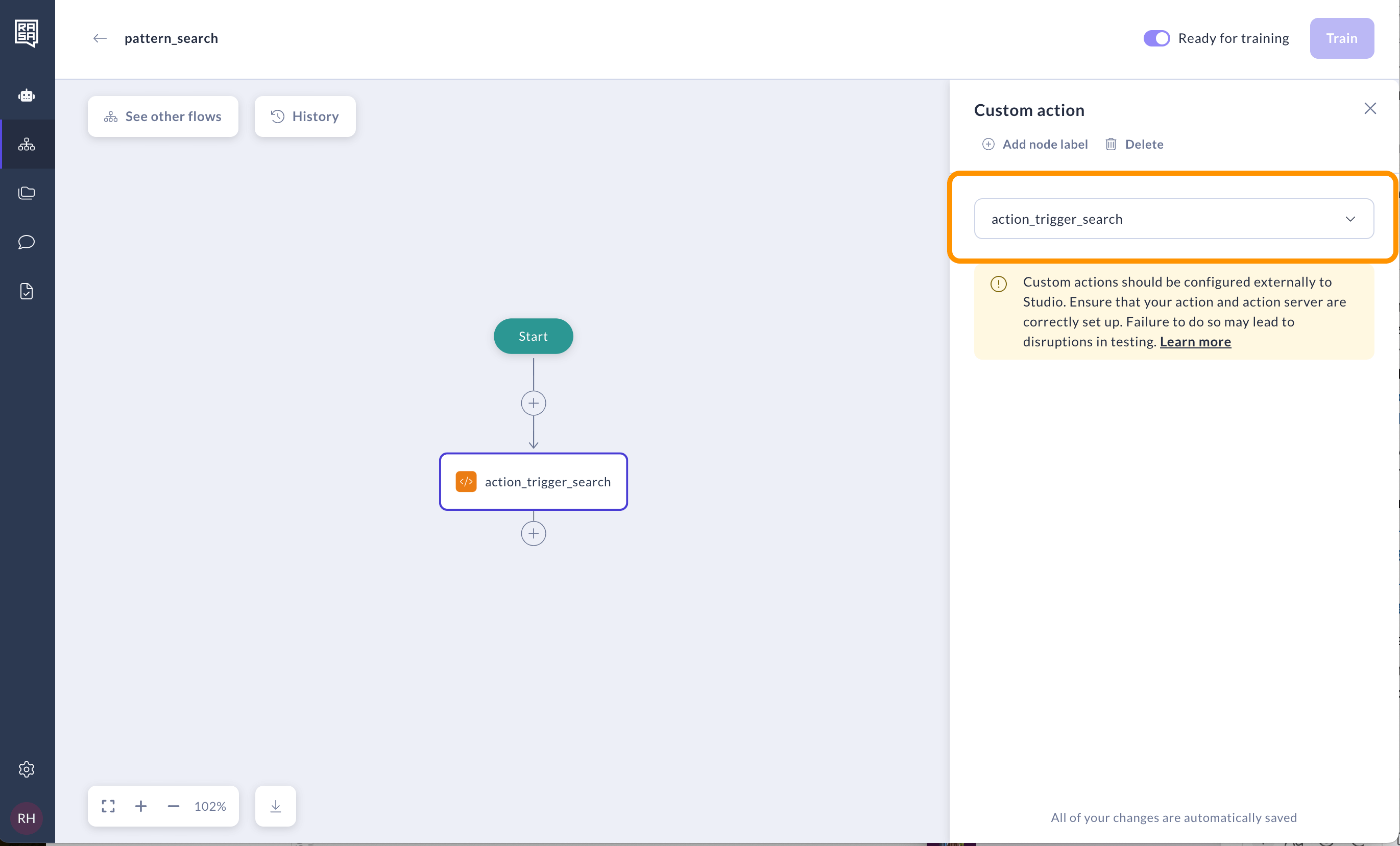
Enabling Enterprise search policy via pattern_search
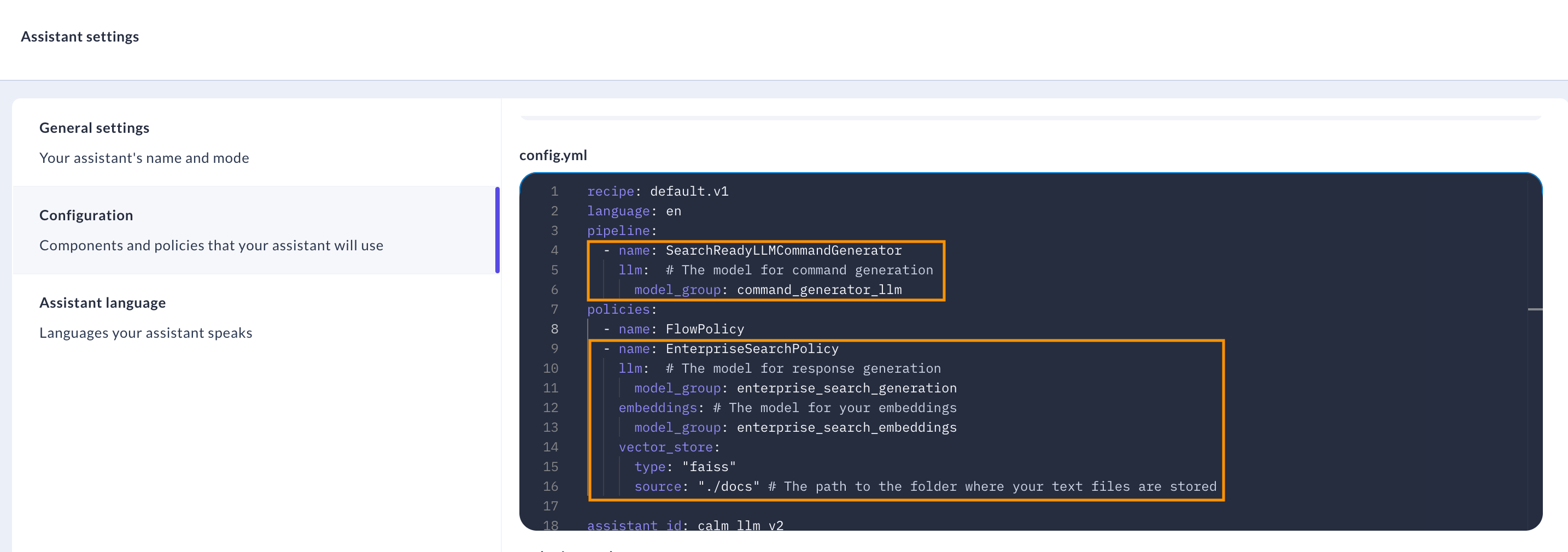
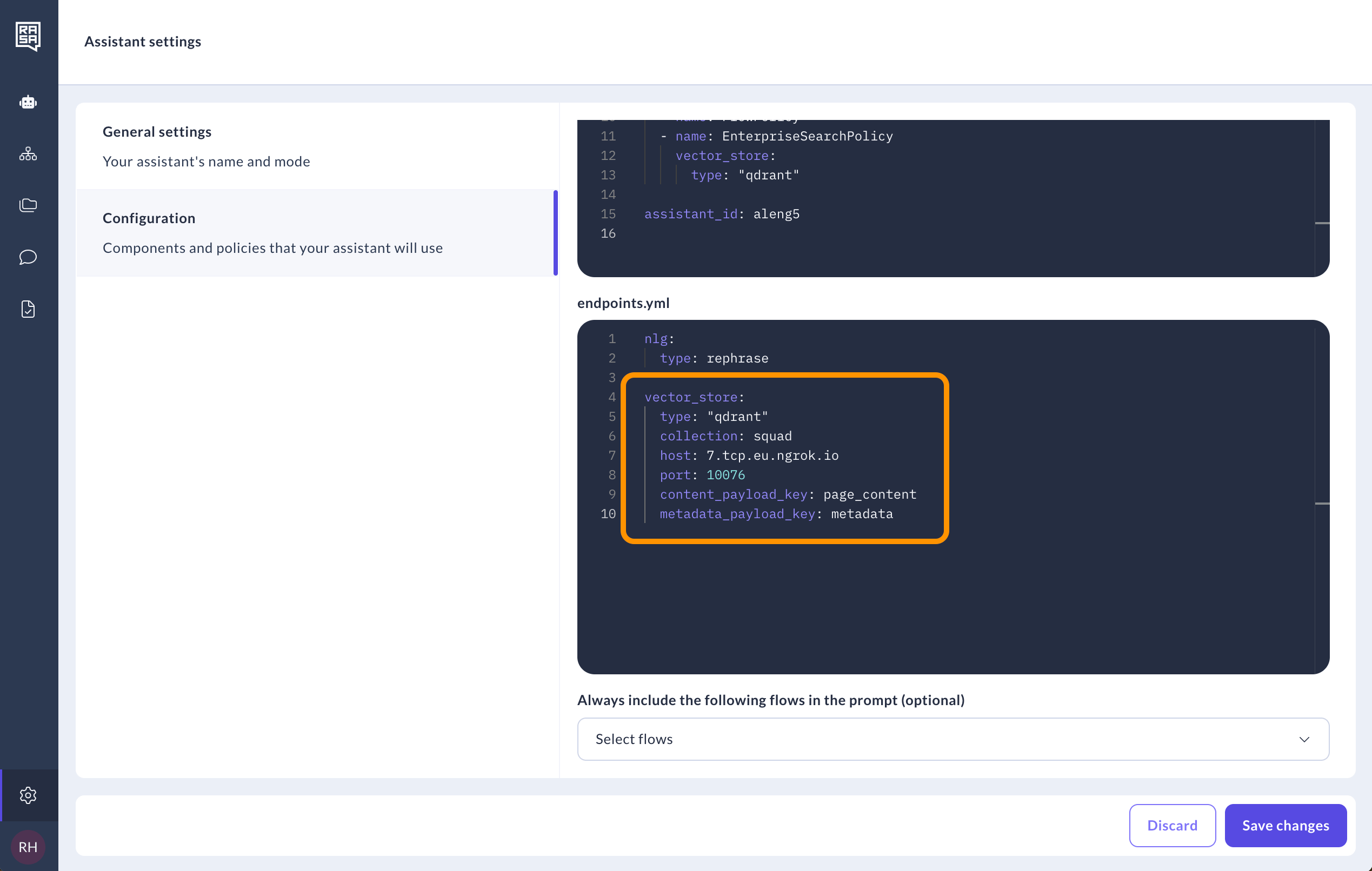
You can enable the Enterprise search policy in Studio and integrate knowledge base document search by modifying assistant configuration and pattern_search.
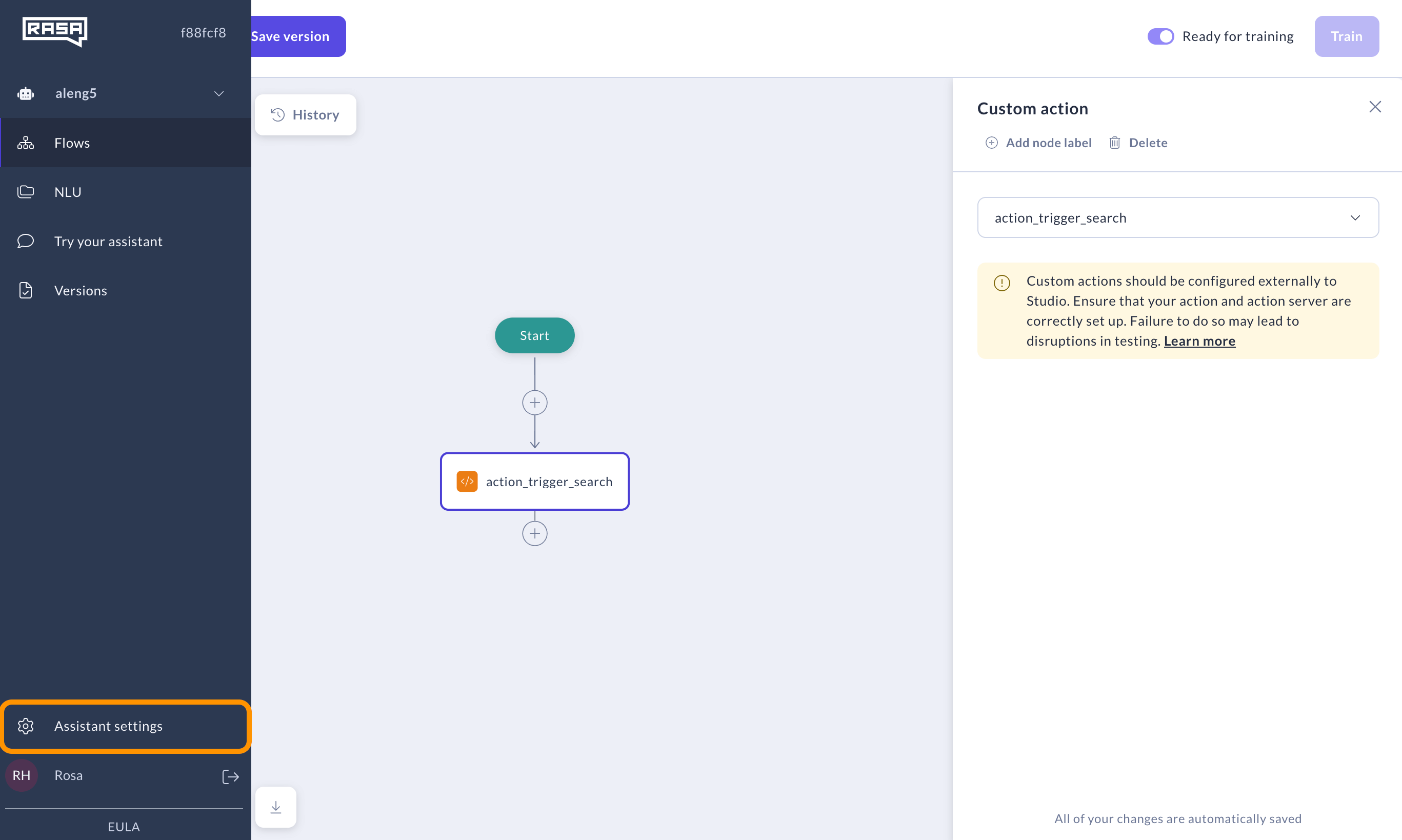
Log in with a superuser or developer role to access Assistant configuration.
pattern_search to modify it.
action_trigger_search.