
Kore.ai is an enterprise AI agent platform, especially for organizations that want a broad vendor-provided system for customer service, employee service, process automation, contact center AI, agent assist, and multi-agent orchestration. Its platform spans low-code and pro-code authoring, industry agents, governance, observability, voice and digital channels, and multiple enterprise deployment patterns.
So why do teams still compare Kore.ai alternatives?
Usually because the buying question is not “Can Kore.ai do it?” It is “Who should own the agent platform after it goes live?” Kore.ai is strong when an enterprise wants a comprehensive platform with a large product surface and packaged capabilities. Teams look elsewhere when they want deeper ownership of the agent codebase, deployment model, model and provider choices, integration layer, release process, and long-term operating model.
This guide compares 10 Kore.ai alternatives across buyer fit, deployment control, governance, voice support, integration depth, operating model, and pricing structure, so you can choose the platform that matches how your team will build, run, and improve enterprise agents in production.
What Are the Best Kore.ai Alternatives? Top Kore.ai Competitor Comparison and Ratings Chart
10 Best Alternatives to Kore.ai for Enterprise Conversational AI in 2026
Enterprise and Contact Center Alternatives
#1. Rasa: Best Kore.ai Alternative for Technical Teams That Want to Own the Agent Platform
Rasa is the developer platform for enterprise AI agents. It is the strongest Kore.ai alternative for technical enterprise teams that want the agent platform to fit their architecture, deployment model, integrations, security process, and release workflow.
Kore.ai is a broad enterprise AI agent platform with low-code tooling, industry agents, contact center support, governance, and packaged capabilities. Rasa is a better fit when the agent is not just a vendor-managed workspace, but part of the company’s own software and service operation.
Best for regulated enterprises and technical teams that need customer-controlled deployment, model and provider choice, backend integration depth, governed workflows, voice and digital channels in one operating model, and a release process their engineers can own.
Score: 9.3/10. Highest marks for governance (10/10), deployment flexibility (10/10), voice (10/10), and cost predictability (9/10). Scored lower on review volume (6/10) vs. Kore.ai's 400 enterprise clients.
Product Overview
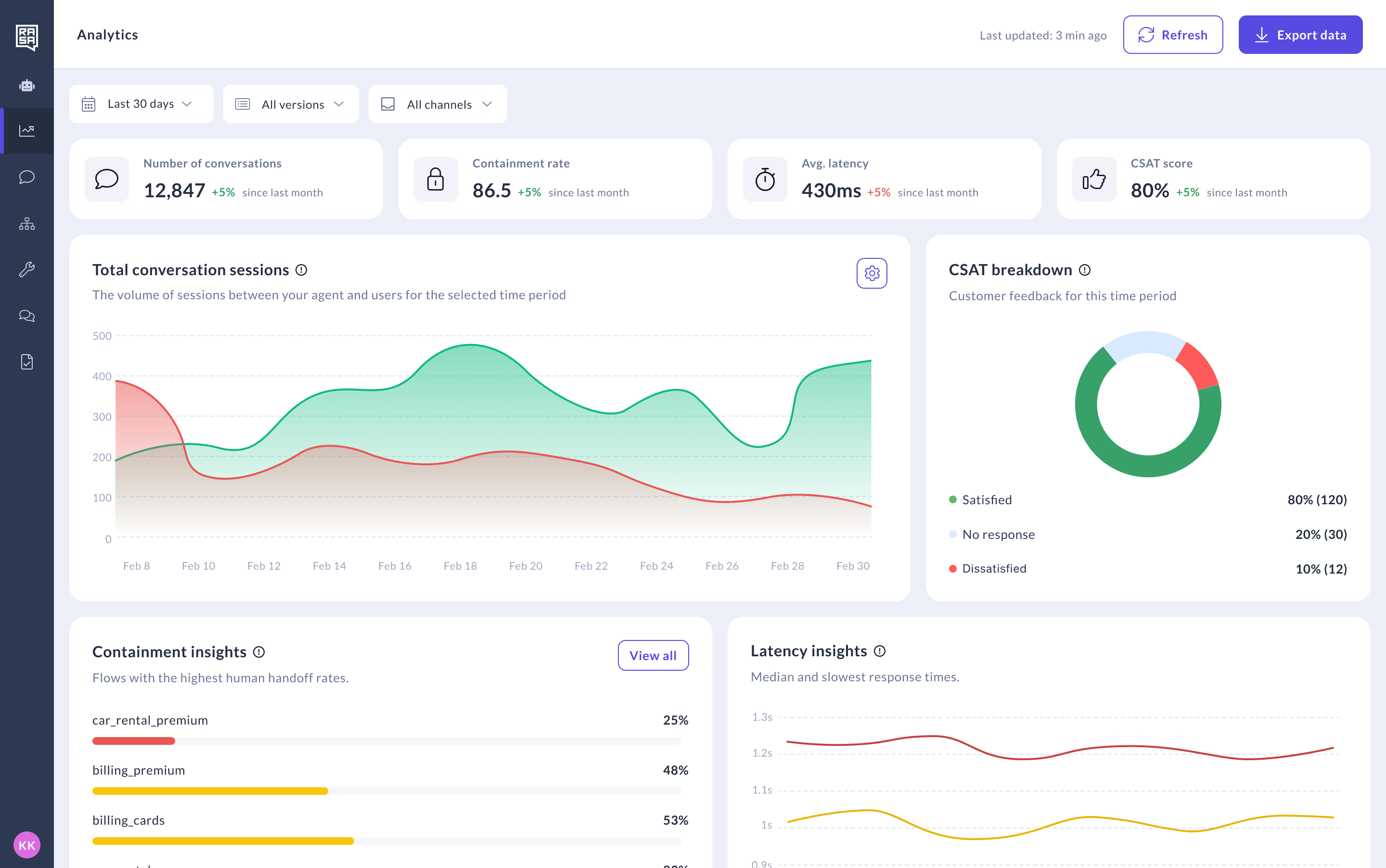
Rasa gives teams a platform for building, running, and improving enterprise agents in production.
The Rasa Platform has three core layers:
Framework gives developers the code-first foundation for building agents, connecting backend systems, managing skills, writing tests, and shipping through existing engineering workflows.
The Orchestrator is Rasa’s patented dialogue layer. It manages how agents move through conversations, when to activate different skills, how to keep context across turns, and where stricter controls are needed for policy, approvals, backend actions, handoffs, or exact wording.
Studio gives teams a workspace to test, review, and refine agent behavior. It helps non-developers inspect conversations, review responses, and contribute to improvement without turning the whole platform into a closed no-code tool.
Pricing
Developer Edition (Free): Full access to Rasa. One bot per company, up to 1,000 external conversations/month (100 for internal agents). Community support via the Rasa Forum.
Enterprise (Custom): Premium support, dedicated CSM, advanced security features, custom onboarding, Rasa Studio for refining design and review. Contact Rasa for a quote.
Pricing is based on annual conversation volume, not per-user or per-seat. Contrast with Kore.ai's session-based billing and six-figure enterprise contracts.
Integrations
Rasa is built for teams that need agents to take action across real systems, not only answer from a knowledge base.
Common integration patterns include backend APIs, custom actions, MCP-style tool connections, CRM and contact center integrations, channel connectors, and voice infrastructure such as Twilio, AudioCodes, Genesys Cloud, or Jambonz.
Setup
Self-hosted in your environment from day one. Rasa provides onboarding support and dedicated implementation specialists on the Enterprise tier.
Swisscom went from prototype to production in 20 weeks, doubling automation rates and cutting costs by 50%. Kore.ai enterprise deployments typically run 3-6 months.
Pros and Cons
Pros:
- Customer-controlled deployment, including self-hosted, private-cloud, and air-gapped options.
- Code-first platform that fits existing engineering workflows.
- Patented Orchestrator for managing conversation state, skill activation, and controlled agent behavior.
- Model and provider choice.
- Voice and digital channels in one operating model.
- Strong fit for regulated workflows, backend actions, and release-controlled enterprise environments.
- Annual conversation-volume pricing without per-seat licensing.
Cons:
- Requires technical resources or an implementation partner.
- Less suitable for teams that want a vendor to own the entire build-and-run process.
- Not optimized for lightweight chatbot projects or simple support deflection.
- More ownership also means more responsibility for architecture, integrations, deployment, and operations.
Tradeoffs
Choose Kore.ai if you want a broad enterprise platform with packaged tooling, low-code configuration, industry templates, and a vendor-managed operating model.
Choose Rasa if your technical team needs the agent platform to become part of your own architecture: deployed in your environment, connected to your systems, governed through your release process, and adaptable as your AI strategy changes.
Support
Enterprise tier includes premium support with a dedicated customer success manager.
Community support via the Rasa Forum. Documentation at rasa.com/docs. Learning resources at learning.rasa.com.
Mini Case Study
Deutsche Telekom deployed Rasa for internal IT support across 10,000+ employees in German and English. 50% of service desk inquiries resolved autonomously. 30% reduction in agent workload. Non-technical IT experts use Rasa Studio to design conversation flows.
See How Rasa Handles Enterprise Agent Orchestration
#2. Cognigy: Best Kore.ai Alternative for Contact Center Omnichannel
Best for enterprise contact centers that want a mature, visual platform for customer service automation across voice and digital channels.
Score: 7.6/10. Strong omnichannel (9/10), native voice (9/10), and on-premises option (8/10). Scored lower on governance depth vs. Rasa's Orchestrator (6/10) and pricing transparency (5/10).
Product Overview
Cognigy is one of the closest Kore.ai alternatives for contact center teams. It offers a visual builder, AI agents, voice automation, knowledge AI, agent assist, analytics, and integrations with major contact center platforms.
Its strongest fit is the contact center: voice, IVR modernization, live-agent handoff, and omnichannel customer service workflows. Cognigy is less of a direct Rasa alternative when the buyer wants deeper codebase ownership, customer-controlled deployment, and a release workflow owned by engineering.
Pros and Cons
Pros:
- Strong contact center and voice automation focus.
- Visual builder for CX and automation teams.
- Voice Gateway for connecting AI agents to telephony systems.
- Broad omnichannel and contact center integration coverage.
- European vendor heritage, now part of NICE.
Cons:
- On-premises installation is no longer offered to new customers.
- Pricing is custom and usage-based across conversations, voice lines, and Knowledge AI.
- Less suited for teams that want the agent platform to live fully inside their own engineering workflow.
- NICE ownership may make roadmap and packaging more tied to the broader CXone ecosystem over time.
Pricing
Custom enterprise pricing. Typical deployments six figures annually.
Setup
Weeks for pre-built templates. Months for custom enterprise deployments.
Tradeoffs
Choose Cognigy if your priority is a mature contact-center automation platform with strong voice and visual tooling.
Choose Rasa if your team needs the agent platform to run in your own environment, connect deeply to internal systems, and move through your engineering, testing, and release process.
#3. Salesforce Agentforce: Best Kore.ai Alternative for Salesforce-Native Service Teams
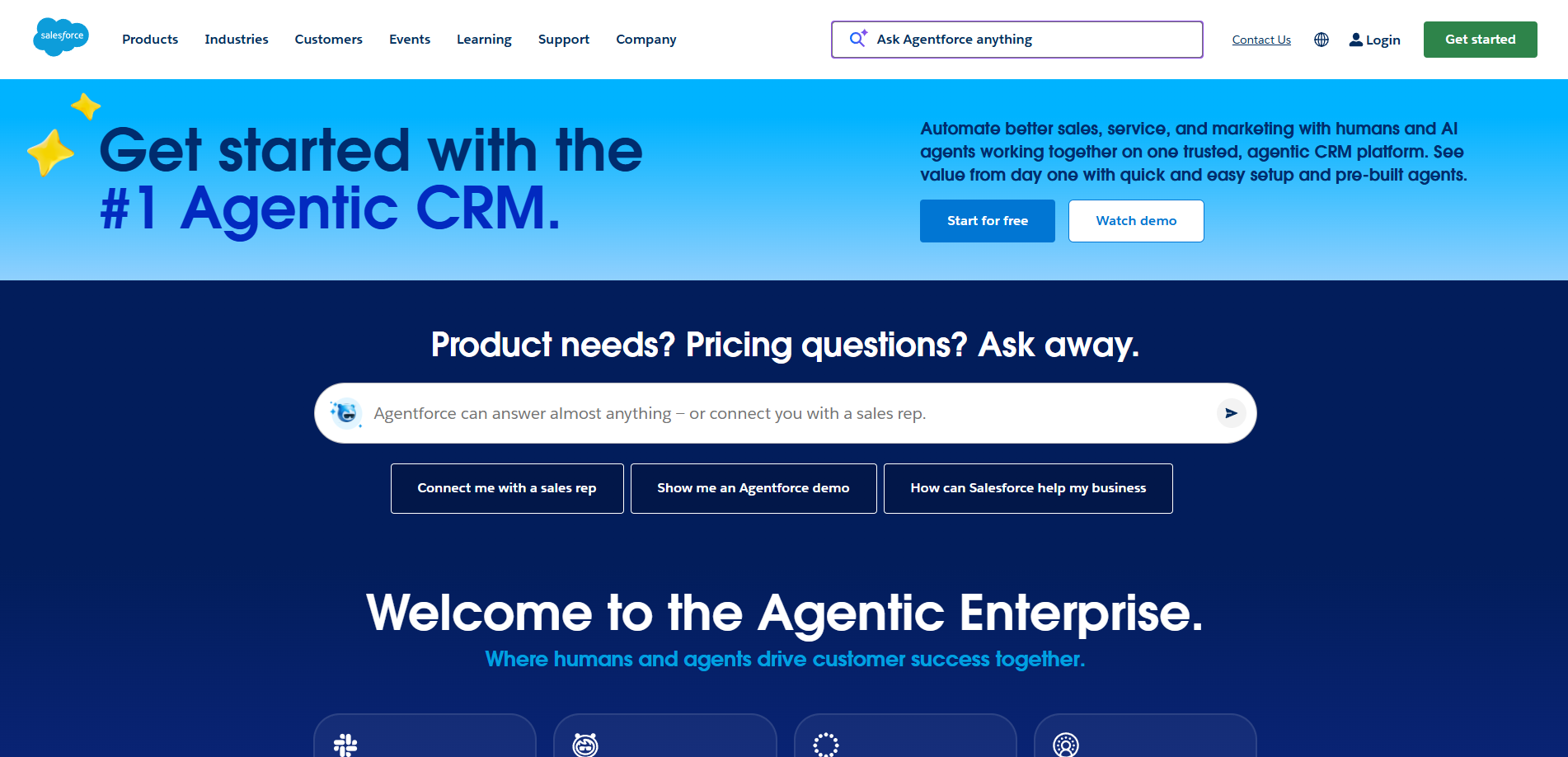
Best for enterprises already standardized on Salesforce that want AI agents built directly into their CRM, service workflows, customer data, and Salesforce admin model.
Score: 7.4/10. Deepest CRM context (10/10) and native Service Cloud Voice (8/10). Scored lower on pricing predictability (4/10), deployment flexibility (4/10), and governance independence (5/10).
Product Overview
Salesforce Agentforce is strongest when Salesforce is already the center of the customer operation. It brings agents into the Salesforce ecosystem, with access to CRM data, Service Cloud workflows, Flow, Data Cloud, MuleSoft, and Agentforce Voice.
For Salesforce-heavy teams, this can be the fastest path to CRM-native agent deployment. The tradeoff is that the agent operating model stays inside Salesforce’s cloud, licensing, data, and admin structure.
Pros and Cons
Pros:
- Deep Salesforce CRM and Service Cloud context.
- Strong fit for teams already using Salesforce as the customer system of record.
- Agentforce Voice and Service Cloud Voice options for service teams.
- Hyperforce supports regional data residency requirements.
Cons:
- Best value depends heavily on Salesforce adoption.
- Licensing can involve Flex Credits, conversations, per-user licenses, and Service Cloud costs.
- Less suitable for teams that want cloud-neutral deployment or customer-controlled infrastructure.
- Integration and governance patterns are shaped by the Salesforce ecosystem.
Pricing
$2/conversation for Agentforce. Service Cloud from $25/user/month. Enterprise tiers significantly higher.
Setup
Weeks to months. Requires Salesforce admin expertise.
Tradeoffs
Choose Salesforce Agentforce if your service operation already runs on Salesforce and you want agents embedded into that CRM workflow.
Choose Rasa if your team needs the agent platform to sit across multiple systems, run in your own environment, and move through your own engineering and release process.
#4. IBM watsonx Assistant: Best Kore.ai Alternative for Regulated Industries + IBM Stack
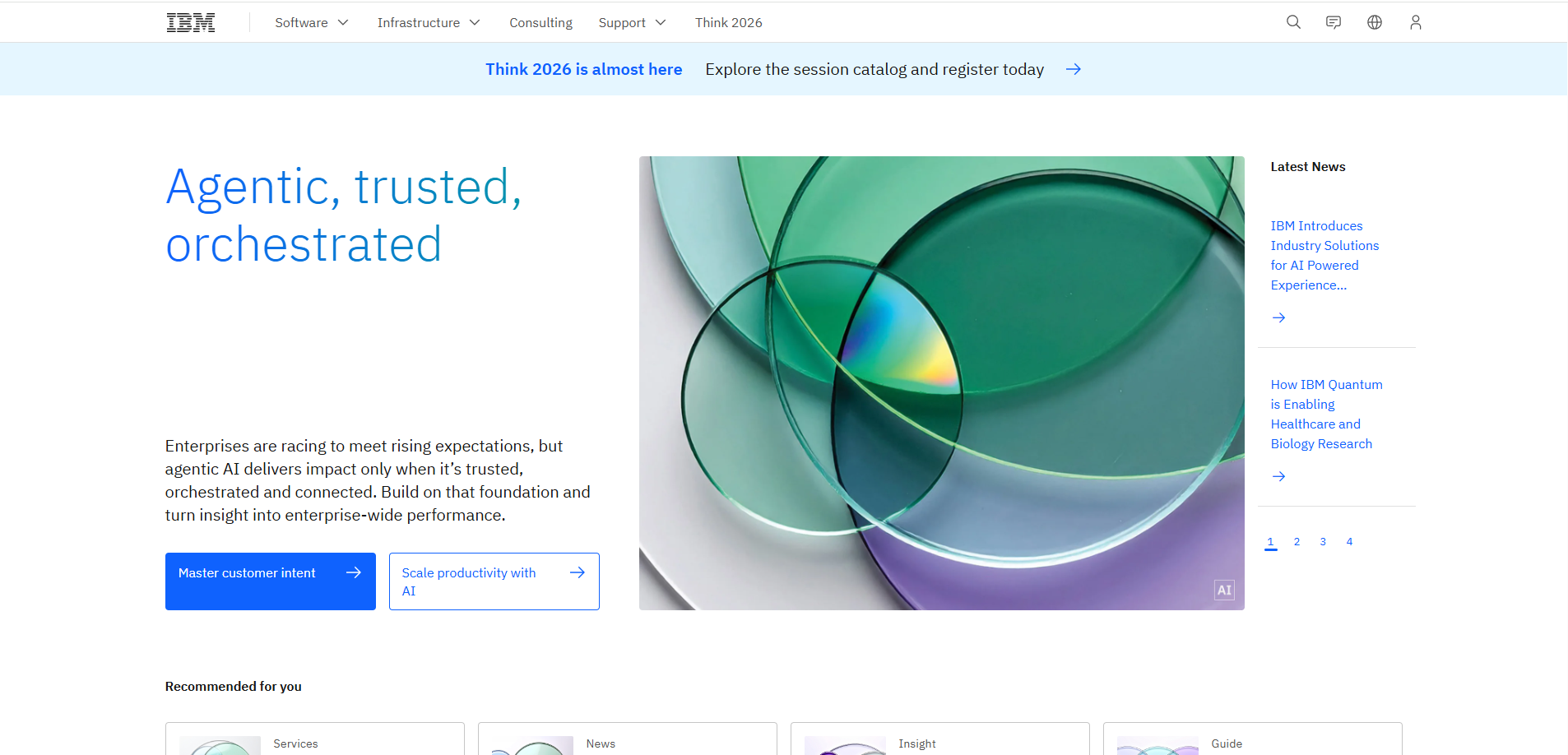
Best for enterprises already committed to IBM Cloud, Cloud Pak for Data, watsonx, and IBM’s governance ecosystem.
Score: 7.2/10. Strong on-prem deployment (9/10) and IBM compliance framework (9/10). Scored lower on setup speed (5/10), voice (6/10), and governance architecture vs. Rasa's Orchestrator (6/10).
Product Overview
IBM watsonx Assistant is a strong option for IBM-standardized organizations that want conversational AI inside a broader IBM architecture. It supports managed cloud deployment and installed deployments through IBM Cloud Pak for Data, with integrations into the watsonx ecosystem, search, analytics, and enterprise governance tooling.
Its strongest fit is regulated enterprise environments where IBM is already a strategic platform vendor. It is less compelling when the buyer wants a lighter developer platform, cloud-neutral operating model, or engineering workflow outside the IBM stack.
Pros and Cons
Pros:
- Managed cloud and installed deployment options.
- Strong fit for IBM Cloud Pak for Data and watsonx customers.
- Enterprise governance, security, and access-control posture.
- Phone integration through SIP providers on paid plans.
- Private endpoints and enterprise support options.
Cons:
- Best value depends on existing IBM adoption.
- Pricing combines MAUs, resource units, and voice add-ons.
- Installed deployments require IBM Cloud Pak for Data infrastructure and operational expertise.
- Less flexible for teams that want the agent platform to fit their own codebase, provider choices, and release workflow.
Pricing
Lite (free tier). Plus from $140/month + usage. Enterprise custom.
Setup
Weeks for cloud deployment. Months for on-premises enterprise.
Tradeoffs
Choose IBM watsonx Assistant if your enterprise already runs on IBM and wants conversational AI inside that governance and infrastructure model.
Choose Rasa if your team wants customer-controlled deployment with more direct ownership over the agent codebase, integrations, model choices, and release process.
Alternatives for Customer Service and Support
#5. Intercom Fin: Best Kore.ai Alternative for Fast Customer Support Deployment
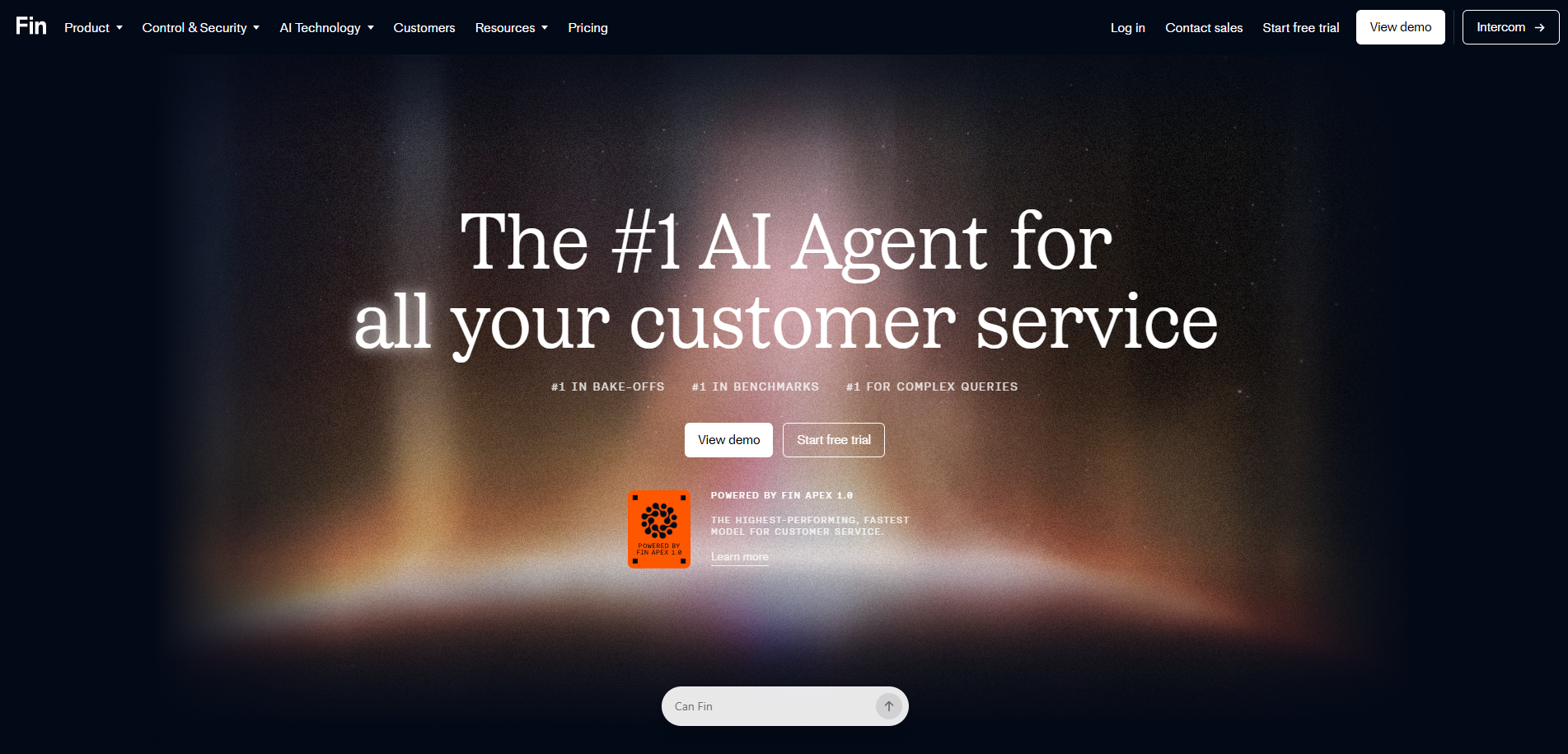
Best for SaaS and digital-first support teams that want a managed AI support agent inside Intercom or an existing helpdesk.
Score: 7.2/10. Fastest setup (10/10) and strong resolution rate (9/10). Scored lower on governance (3/10), deployment (3/10), and voice (3/10).
Product Overview
Intercom Fin is built for fast support resolution. It answers across support channels, uses help center and company content, can complete configured procedures, and hands conversations back to human agents when needed.
Its strongest fit is customer support inside a helpdesk. It is less suited for enterprises that need customer-controlled deployment, deep backend workflow ownership, or an agent platform that operates across many business systems outside support.
Pros and Cons
Pros:
- Fast setup compared with broader enterprise platforms.
- Strong fit for content-backed support questions.
- Can be used with Intercom or some existing helpdesks.
- Supports email, live chat, phone, and other support channels.
Cons:
- Fin is priced per outcome, which can become expensive at high resolution volume.
- No customer self-hosted deployment option.
- Best fit is support resolution, not complex enterprise workflow orchestration.
- Agent behavior, governance, and release control stay inside Intercom’s operating model.
Pricing
$0.99/resolution. Intercom seat: Essential $29/seat/mo, Advanced $99/seat/mo, Expert $132/seat/mo.
Setup
Under one hour for basic. 1-2 weeks for production.
Tradeoffs
Choose Intercom Fin if you want a fast managed support agent for helpdesk resolution.
Choose Rasa if your agent needs to run in your own environment, connect across backend systems, and follow your engineering, governance, and release process.
#6. Ada: Best Kore.ai Alternative for No-Code Enterprise CX Automation
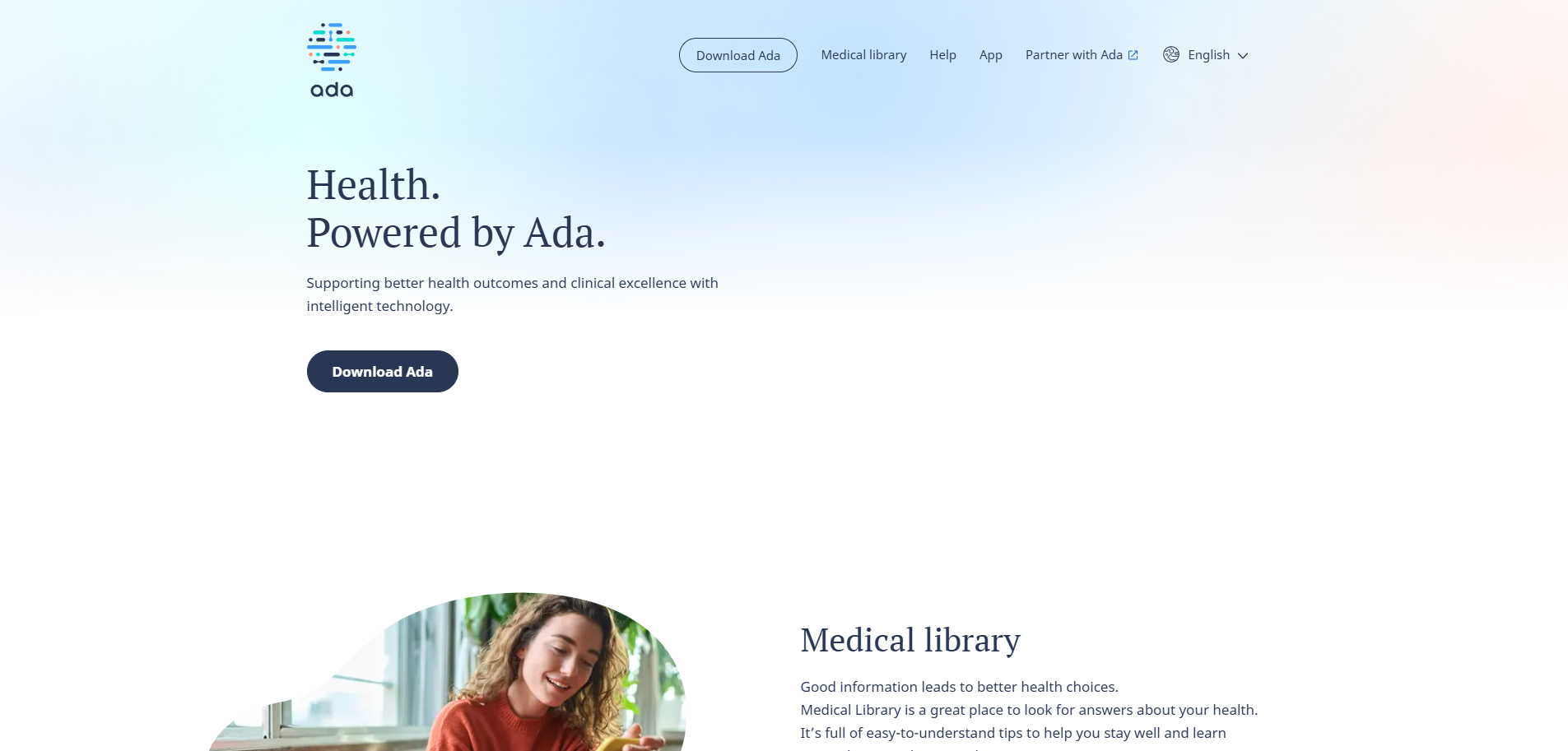
Best for enterprise CX teams that want a managed AI customer service platform across chat, email, messaging, and voice.
Score: 6.6/10. Strong no-code builder (9/10) and multi-language (8/10). Scored lower on governance (5/10), deployment (3/10), and voice (4/10).
Product Overview
Ada is built for CX teams that want to manage AI agents without owning the underlying agent architecture. Its platform includes a unified reasoning engine, omnichannel deployment, performance tools for testing and improvement, and a developer toolkit for integrations.
Compared with Kore.ai, Ada is more focused on customer service automation than broad enterprise agent orchestration. Compared with Rasa, Ada is a better fit for CX-led teams that want a managed operating model. Rasa is stronger when technical teams need customer-controlled deployment, deeper backend ownership, and release control through their own engineering workflow.
Pros and Cons
Pros:
- Strong no-code and CX operations focus.
- Supports chat, email, messaging, social, custom channels, and voice.
- Performance tools for coaching, simulations, and continuous improvement.
- Developer toolkit with APIs, SDKs, and MCP support.
Cons:
- Best fit is customer service automation, not broad enterprise-owned agent architecture.
- Less suitable for teams that need the agent platform to live inside their own codebase, infrastructure, and release process.
- Integration depth depends on Ada’s platform model and supported tooling.
Pricing
Custom pricing. Contact Ada for quote.
Setup
Days for basic deployment. Weeks for production with integrations.
Tradeoffs
Choose Ada if your CX team wants a managed AI customer service platform with no-code operations and omnichannel support.
Choose Rasa if your technical team needs to own deployment, integrations, governance, and release control across complex enterprise service workflows.
Technical and Open-Source Alternatives
#7. Microsoft Copilot Studio: Best Kore.ai Alternative for Microsoft Ecosystem
Best for enterprises already building around Microsoft 365, Teams, Dynamics 365, Power Platform, and Azure.
Score: 7.0/10. Strong Microsoft integration (9/10) and Azure data residency (8/10). Scored lower on voice (5/10), deployment outside Azure (3/10), and governance depth (6/10).
Product Overview
Microsoft Copilot Studio is a low-code agent-building platform for the Microsoft ecosystem. It is strongest when teams want agents connected to Microsoft 365, Teams, Dynamics 365, Power Automate, Azure services, and Microsoft’s identity and admin model.
For service use cases, Copilot Studio connects closely with Dynamics 365 Contact Center. Microsoft supports both basic voice agents and real-time voice agents, with real-time voice designed for lower-latency, more natural conversations.
Pros and Cons
Pros:
- Deep Microsoft 365, Teams, Dynamics 365, Power Platform, and Azure fit.
- Strong option for organizations already using Microsoft as the enterprise platform layer.
- Voice support through Dynamics 365 Contact Center.
- Good path for internal productivity agents and service agents inside Microsoft environments.
Cons:
- Best fit depends heavily on Microsoft ecosystem adoption.
- Voice capabilities are tied to Dynamics 365 Contact Center, with important regional constraints for real-time voice.
- Licensing and usage planning can become complex across Copilot Studio, Dynamics 365, Azure, and related Microsoft services.
- Less suitable when the agent strategy needs to stay independent of a single enterprise cloud ecosystem.
Pricing
$200/tenant/month (2,000 messages). Additional messages available. Enterprise custom.
Setup
Hours for basic bots within Microsoft tenants. Weeks for custom integrations.
Tradeoffs
Choose Microsoft Copilot Studio if your team already runs on Microsoft and wants agents embedded into that environment.
Choose Rasa if your team needs a more cloud-neutral agent platform that can sit across different systems, providers, and engineering workflows.
#8. Dialogflow CX: Best Kore.ai Alternative for Google Cloud Teams
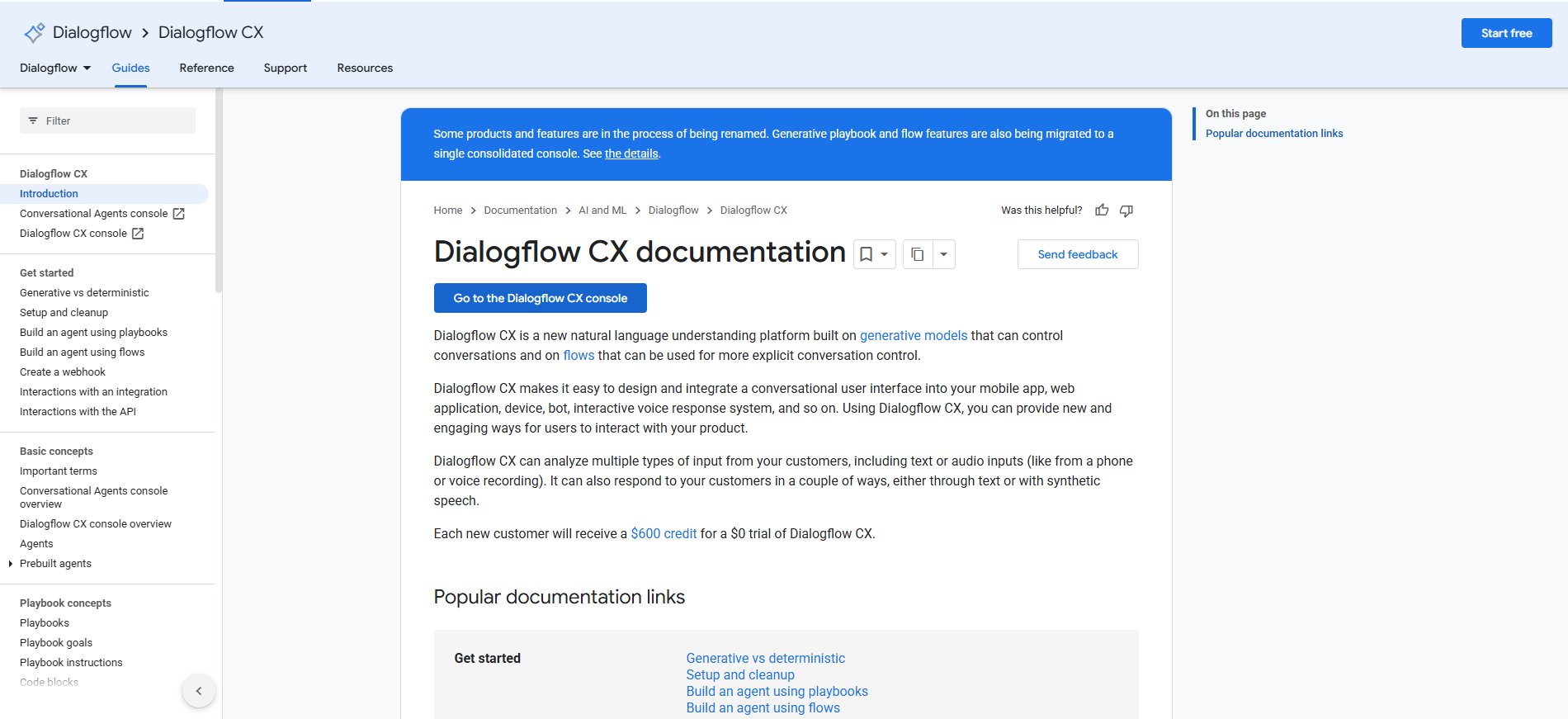
Best for teams building conversational agents inside Google Cloud, especially when visual flow design and contact center integration are the priority.
Score: 6.8/10. Strong NLU accuracy (9/10) and GCP integration (8/10). Scored lower on deployment flexibility (4/10), governance (5/10), and voice architecture (6/10).
Product Overview
Dialogflow CX is Google Cloud’s enterprise conversational AI platform. It supports visual flow-based agent design, generative playbooks, data stores, text and audio input, synthetic speech output, and integrations for IVR and contact center use cases.
It is a strong option for teams already using Google Cloud, Vertex AI, and Contact Center AI. Its design is more technical than many no-code CX tools, but it gives Google Cloud teams a structured way to build, test, and manage complex conversational agents.
Pros and Cons
Pros:
- Strong Google Cloud and Vertex AI fit.
- Visual flow builder for structured service journeys.
- Generative playbooks and data stores for more flexible agent behavior.
- Text, audio, and synthetic speech support.
- Telephony options through Dialogflow CX Phone Gateway, SIP, and CCAI integrations.
Cons:
- Best fit depends on Google Cloud adoption.
- Dialogflow CX Phone Gateway has important limits, including global-region and US-number constraints.
- Complex agents can become hard to manage across flows, pages, intents, routes, and fulfillment.
- Pricing requires modeling text, audio, generative features, and contact center usage separately.
Pricing
Pay-as-you-go. Free tier for text. Session and audio-minute pricing.
Setup
Hours for basic bots. Weeks for complex telephony deployments.
Tradeoffs
Choose Dialogflow CX if your team is already committed to Google Cloud and wants structured conversational AI with strong GCP and CCAI integration.
Choose Rasa if your team wants a more cloud-neutral platform for production agents that need to operate across different infrastructure, systems, and engineering workflows.
#9. Botpress: Best Kore.ai Alternative for Rapid Agent Prototyping
Best for teams that want a hosted visual builder for quickly prototyping and launching AI agents.
Score: 6.0/10. Strong prototyping speed (9/10) and LLM flexibility (9/10). Scored lower on governance (4/10), deployment (3/10), voice (2/10), and enterprise readiness (5/10).
Product Overview
Botpress is a cloud-based AI agent platform with a visual Studio, knowledge bases, workflows, integrations, human handoff, analytics, and no-code/pro-code building options. It is useful for teams that want to move quickly from idea to working agent without starting from a low-level framework.
Pros and Cons
Pros:
- Fast visual builder for agent prototyping.
- No-code and pro-code options.
- Knowledge base and workflow tooling included.
- Broad integration catalog.
- AI Spend controls help teams manage LLM usage.
Cons:
- New self-hosted deployments are no longer available.
- Voice is not the core platform strength.
- Pricing combines plan fees, AI Spend, messages/events, storage, bots, and add-ons.
- Less suited for complex enterprise service agents that require deep release governance and long-term production ownership.
Pricing
Free (500 messages). Plus $79/month. Team $495/month. Enterprise custom.
Setup
Hours for initial bots. Days for production with integrations.
Tradeoffs
Choose Botpress if speed, hosted visual building, and fast prototyping matter most.
Choose Rasa if the agent needs to become part of a larger enterprise software operation with governed workflows, backend actions, and an engineering-owned release process.
Specialized and Voice Alternatives
#10. Yellow.ai: Best Kore.ai Alternative for Omnichannel CX Automation
Best for teams that want customer service automation across chat, voice, email, SMS, WhatsApp, and other digital channels.
Score: 6.8/10. Strong omnichannel breadth (8/10) and native voice (7/10). Scored lower on governance (5/10), deployment flexibility (4/10), and pricing transparency (5/10).
Product Overview
Yellow.ai provides omnichannel AI agents for customer service, employee support, marketing, and commerce use cases. Its platform includes an agentic builder, VoiceX, email agents, custom integrations, analytics, dashboards, campaign tools, and role-based controls.
The strongest fit is a team that wants broad channel coverage from one platform rather than a developer-first framework.
Pros and Cons
Pros:
- Broad omnichannel coverage across chat, voice, email, SMS, and messaging.
- VoiceX for voice AI use cases.
- Agentic builder, analytics, dashboards, and testing tools.
- Custom integrations and out-of-box integrations.
- Freemium plan available for basic evaluation.
Cons:
- Enterprise pricing is custom.
- Advanced capabilities sit behind premium plans.
- Less suited for teams that want the agent platform to operate as part of their own codebase and engineering workflow.
Pricing
Custom enterprise pricing. Contact Yellow.ai.
Setup
Weeks for production deployments.
Tradeoffs
Choose Yellow.ai if you want a broad omnichannel CX automation platform with voice, messaging, email, and campaign capabilities.
Choose Rasa if your team needs deeper ownership over how agents are built, integrated, governed, and released across complex enterprise service workflows.
Why Choose Kore.ai Alternatives
Kore.ai is a strong enterprise platform, but it is not the right operating model for every team. The main reason to compare alternatives is to decide whether you want a broad vendor-managed platform, a CRM or cloud-native agent layer, a fast support automation tool, or a developer platform your technical team can own more directly.
When you want faster support automation
Tools like Intercom Fin, Ada, Botpress, and Yellow.ai can be a better fit when the goal is to launch customer support automation quickly across helpdesk, chat, email, messaging, or ecommerce channels. They are often easier for CX teams to operate, but they give technical teams less control over the underlying agent architecture.
When your stack already decides the platform
Salesforce Agentforce, Microsoft Copilot Studio, IBM watsonx Assistant, and Dialogflow CX make the most sense when the enterprise has already standardized on that ecosystem. The benefit is tight integration with the existing CRM, cloud, identity, data, and admin model. The tradeoff is ecosystem dependency.
When voice or contact center depth matters most
Cognigy, Yellow.ai, Dialogflow CX, and Kore.ai all have strong contact center and voice automation capabilities. These platforms are attractive when the buyer wants a packaged omnichannel CX platform rather than a developer-first agent framework.
When long-term ownership matters
Rasa is the stronger alternative when the agent needs to become part of the company’s own software and service operation. That means deeper control over how the agent is built, integrated, tested, deployed, governed, and improved over time.
When pricing needs to match real production scale
Kore.ai, Salesforce, Intercom, Ada, Botpress, and other platforms all scale costs differently: sessions, resolutions, credits, conversations, seats, voice usage, LLM usage, or custom enterprise contracts. The right comparison is not the starting price. It is the total cost of running real production traffic across channels, teams, models, integrations, and support workflows.
How To Choose the Right Kore.ai Alternative
Step 1: Define the job the agent needs to do
Start with the use case, not the vendor list. A helpdesk answer bot, a CRM-native service agent, a voice IVR agent, and a governed enterprise workflow agent all need different platforms.
If the agent mostly answers support questions, look at Intercom Fin, Ada, Yellow.ai, or Botpress. If it needs to complete regulated workflows across backend systems, evaluate Rasa, Kore.ai, Cognigy, IBM, Salesforce, or Dialogflow CX more closely.
Step 2: Match the platform to your existing stack
Some alternatives make sense because your stack already points there. Salesforce Agentforce fits Salesforce-heavy teams. Microsoft Copilot Studio fits Microsoft and Dynamics environments. Dialogflow CX fits Google Cloud teams. IBM watsonx Assistant fits IBM-standardized enterprises.
The benefit is faster alignment with existing data, identity, admin, and workflow models. The tradeoff is ecosystem dependency.
Step 3: Decide who should own the operating model
Some teams want a vendor-managed platform with packaged tooling, templates, and CX operations workflows. Others want the agent to become part of their own software operation, with engineering-owned integrations, testing, deployment, and release control.
This is where Rasa is usually the sharper alternative: technical teams that want to own how the agent is built, connected, governed, and improved over time.
Step 4: Evaluate voice and channel requirements
Do not ask only whether a platform “has voice.” Ask what kind of voice use case you need.
A standalone phone agent, contact center IVR modernization, agent assist, outbound calling, and voice as one channel in a broader enterprise agent strategy are different requirements. Cognigy, Yellow.ai, Dialogflow CX, Salesforce, Intercom, Ada, and Rasa all approach voice differently.
Step 5: Model cost at production scale
Compare the pricing model against real usage: conversations, sessions, resolutions, seats, credits, messages, voice minutes, LLM usage, hosting, implementation, and support.
The cheapest starting plan is rarely the best guide. Model 12-month and 24-month volume across channels, then include the engineering time required to maintain integrations, update workflows, review failures, and improve the agent after launch.
Step 6: Test the hardest journey before you choose
Run a pilot around the use case most likely to expose platform limits: identity checks, policy exceptions, backend actions, escalations, channel switching, unhappy paths, ambiguous requests, and audit requirements.
Track task completion, escalation quality, latency, cost per useful outcome, integration effort, review workflow, and how quickly the team can fix problems once they appear.
Key Features to Look for When Exploring Kore.ai Competitors
The right operating model
Decide whether your team wants a vendor-managed platform, a CRM-native agent layer, a cloud-native tool, or a developer platform your engineering team can operate directly. This choice will shape everything else: ownership, implementation speed, release control, support model, and long-term flexibility.
Control where the workflow requires it
Look for more than generic guardrails. The platform should let teams define required steps, approvals, policy checks, handoffs, exact wording, tool access, and escalation rules for high-risk workflows. Flexible agent behavior is useful, but enterprise service journeys still need control where mistakes are expensive.
Voice and channel fit
Voice support can mean very different things: IVR automation, contact center integration, outbound calling, agent assist, speech-provider integrations, or voice as one channel in a broader agent strategy. Match the platform to the actual voice use case instead of comparing “has voice” claims.
Integration depth
Enterprise agents need to do more than answer questions. They often need to check accounts, update records, trigger workflows, retrieve policy data, create cases, process requests, or hand off to another team. Evaluate how each platform connects to backend systems, what engineers can customize, and how safely those actions can be tested and released.
Team workflow and release control
A production agent is not a one-time build. Look for versioning, testing, review workflows, role-based access, controlled releases, rollback, and support for both technical and business contributors. The platform should help teams improve the agent after launch, not only build the first demo.
Observability and auditability
Teams need to see what happened in a conversation: what context was used, what tool was called, what data was accessed, what response was generated, where the user dropped off, and why the agent escalated. This matters for debugging, compliance, QA, and continuous improvement.
Cost Comparison: Kore.ai vs. Competitors
- Rasa: Developer Edition free. Enterprise custom based on annual conversation volume. No per-seat fees.
- Kore.ai: Custom enterprise pricing. Session-based billing (per 15-minute session) plus seat licensing plus voice channel add-ons. Typical annual spend $100K-$500K+.
- Cognigy: Custom enterprise pricing. Typical deployments six figures annually.
- Salesforce Agentforce: $2/conversation for Agentforce. Service Cloud from $25/user/month.
- IBM watsonx: Lite (free tier). Plus from $140/month + usage. Enterprise custom.
- Intercom Fin: $0.99/resolution. Intercom seat: Essential $29/seat/mo, Advanced $99/seat/mo, Expert $132/seat/mo.
- Microsoft Copilot Studio: $200/tenant/month (2,000 messages).
- Botpress: Free (500 messages). Plus $79/month. Team $495/month. Enterprise custom.
Which of the Kore.ai Alternatives Is Right for Your Business?
- Need enterprise ownership + self-hosted + voice: Rasa. Self-hosted deployment, the patented Orchestrator for architectural governance over agent behavior, native voice.
- Need contact center omnichannel: Cognigy. Direct Kore.ai competitor, native voice, European vendor.
- Need CRM-native contact center: Salesforce Agentforce. Deepest CRM context, native Service Cloud Voice.
- Need Microsoft ecosystem integration: Microsoft Copilot Studio. M365, Dynamics, Azure native.
- Need Google Cloud native: Dialogflow CX. Strong NLU, CCAI telephony.
- Need IBM stack + regulated: IBM watsonx Assistant. On-prem, compliance framework.
- Need fast customer support AI: Intercom Fin. Deploys in hours, not months.
- Need no-code CX automation: Ada. No-code builder for CX teams.
- Need rapid agent prototyping: Botpress. Visual builder, LLM-agnostic.
- Need mid-market omnichannel: Yellow.ai. Kore.ai-style features at mid-market pricing.
FAQs
What are the main reasons enterprises evaluate Kore.ai alternatives?
Kore.ai is a broad enterprise AI agent platform, so the question is usually not whether it has enough features. Teams evaluate alternatives when they want a different operating model: faster CX-led deployment, tighter fit with an existing CRM or cloud stack, stronger voice specialization, or deeper technical ownership over code, integrations, deployment, and release control.
How long does a Kore.ai implementation take?
Implementation time depends on the use case, number of channels, backend integrations, security requirements, and how much customization is needed. Simple agents can move faster. Enterprise deployments involving contact center routing, identity, backend actions, analytics, governance, and multiple teams usually take longer. Buyers should test the hardest production journey before assuming a demo timeline will match rollout.
How does Rasa compare to Kore.ai for regulated enterprises?
Kore.ai is a comprehensive enterprise platform with governance, industry templates, contact center tooling, and multiple deployment patterns. Rasa is a stronger fit when a regulated enterprise wants the agent platform to operate inside its own architecture, with customer-controlled deployment, model and provider choice, engineering-owned integrations, and release control through its own software process.
Which Kore.ai alternatives are best for fast support automation?
Intercom Fin, Ada, Botpress, and Yellow.ai are usually better fits when the priority is faster customer support automation through a managed platform. They are often easier for CX teams to operate, but they give technical teams less ownership over the underlying agent architecture.
Which Kore.ai alternatives are best if we already use Salesforce, Microsoft, Google, or IBM?
Salesforce Agentforce fits Salesforce-heavy service teams. Microsoft Copilot Studio fits Microsoft 365, Teams, Dynamics 365, and Azure environments. Dialogflow CX fits Google Cloud and CCAI teams. IBM watsonx Assistant fits enterprises already standardized on IBM Cloud, Cloud Pak for Data, and watsonx.
Which alternatives are strongest for voice and contact center automation?
Cognigy, Kore.ai, Yellow.ai, Dialogflow CX, Salesforce, and Ada all have meaningful voice or contact center capabilities, but they approach the problem differently. Some are stronger for IVR and contact center modernization. Others are stronger for CRM-native service, helpdesk support, or omnichannel CX automation. Rasa is strongest when voice is one channel in a broader enterprise agent operating model.
Which Kore.ai alternative gives technical teams the most ownership?
Rasa is the strongest fit for technical teams that want to own how agents are built, integrated, tested, deployed, governed, and improved over time. It is not the lightest option for a simple chatbot, but it is a strong fit when the agent becomes part of the company’s own software and service operation.
Can non-technical teams manage Kore.ai alternatives?
Yes, depending on the platform. Ada, Intercom Fin, Botpress, Microsoft Copilot Studio, Cognigy, Yellow.ai, and Kore.ai all offer visual or no-code surfaces. Rasa requires engineering resources, but Studio gives conversation designers, SMEs, and other non-developers a way to test, review, and refine agent behavior without owning the codebase.
Are there open-source Kore.ai alternatives?
There are open-source frameworks for building conversational or agentic systems, but they usually require teams to assemble more of the production operating layer themselves. Rasa has open-source roots and a free Developer Edition, but its main fit here is enterprise platform ownership, not being a generic open-source chatbot replacement.
Can multiple Kore.ai alternatives be used together?
Yes, but the architecture needs care. Some enterprises may use one platform for helpdesk support, another for CRM-native service, and another for regulated workflows. The risk is fragmentation: inconsistent context, duplicated integrations, separate analytics, and disconnected customer journeys.
Which Kore.ai competitor is best for high-volume enterprise service?
It depends on the operating model. Cognigy and Yellow.ai are strong omnichannel CX platforms. Salesforce Agentforce is strong when Salesforce is the service backbone. Dialogflow CX fits Google Cloud contact center teams. Rasa fits technical enterprises that need high-volume agents connected to backend systems, governed workflows, and customer-owned release processes.
.png)
.png)
.png)