.png)

Microsoft Copilot Studio is Microsoft’s agent-building environment for teams already committed to the Microsoft ecosystem. It is a strong fit when agents are built around Microsoft 365, Power Platform, Dynamics, and Azure.
Teams usually look for alternatives when that operating model becomes too narrow. The question is not whether Copilot Studio can build an agent. It can. The question is whether the agent needs to run across a broader architecture, follow a different release process, support a non-Microsoft contact center stack, or give the enterprise more control over deployment and long-term operations.
Cost is part of that evaluation. Copilot Studio uses Copilot Credits, and usage depends on what the agent does. A simple answer and a workflow-heavy service interaction can have very different cost profiles. Microsoft 365 Copilot licensing can also change the economics because some usage inside Microsoft 365 apps is zero-rated.
Voice is another decision point. Copilot Studio supports IVR and real-time voice through Dynamics 365 Contact Center. That can work well for Microsoft-centered contact center teams. It is a weaker fit for enterprises that want voice to be one channel in a broader, cloud-neutral agent architecture.
This guide compares 11 Microsoft Copilot Studio alternatives for enterprise conversational AI across deployment flexibility, pricing predictability, M365 independence, governance, voice readiness, and total cost of ownership.
Each platform is scored on the same weighted criteria, so IT leadership, contact center architects, and Power Platform CoE leads can match their actual buying constraints to the right alternative, whether the requirement is full self-hosted ownership, native voice for contact centers, workflow automation independence, or open-source extensibility.
Copilot Studio Competitor Comparison and Ratings Chart
11 Best Copilot Studio Alternatives for Enterprise Conversational AI in 2026
The alternatives below are grouped by the reason teams usually look beyond Copilot Studio: Microsoft ecosystem fit, contact center voice, customer-controlled deployment, technical extensibility, or workflow automation.
Some tools are direct conversational AI platforms. Others solve a narrower part of the stack, such as knowledge agents or workflow automation. The right shortlist depends on what the team needs the agent to operate across.
#1. Rasa: Best Copilot Studio Alternative for Technical Enterprise Teams
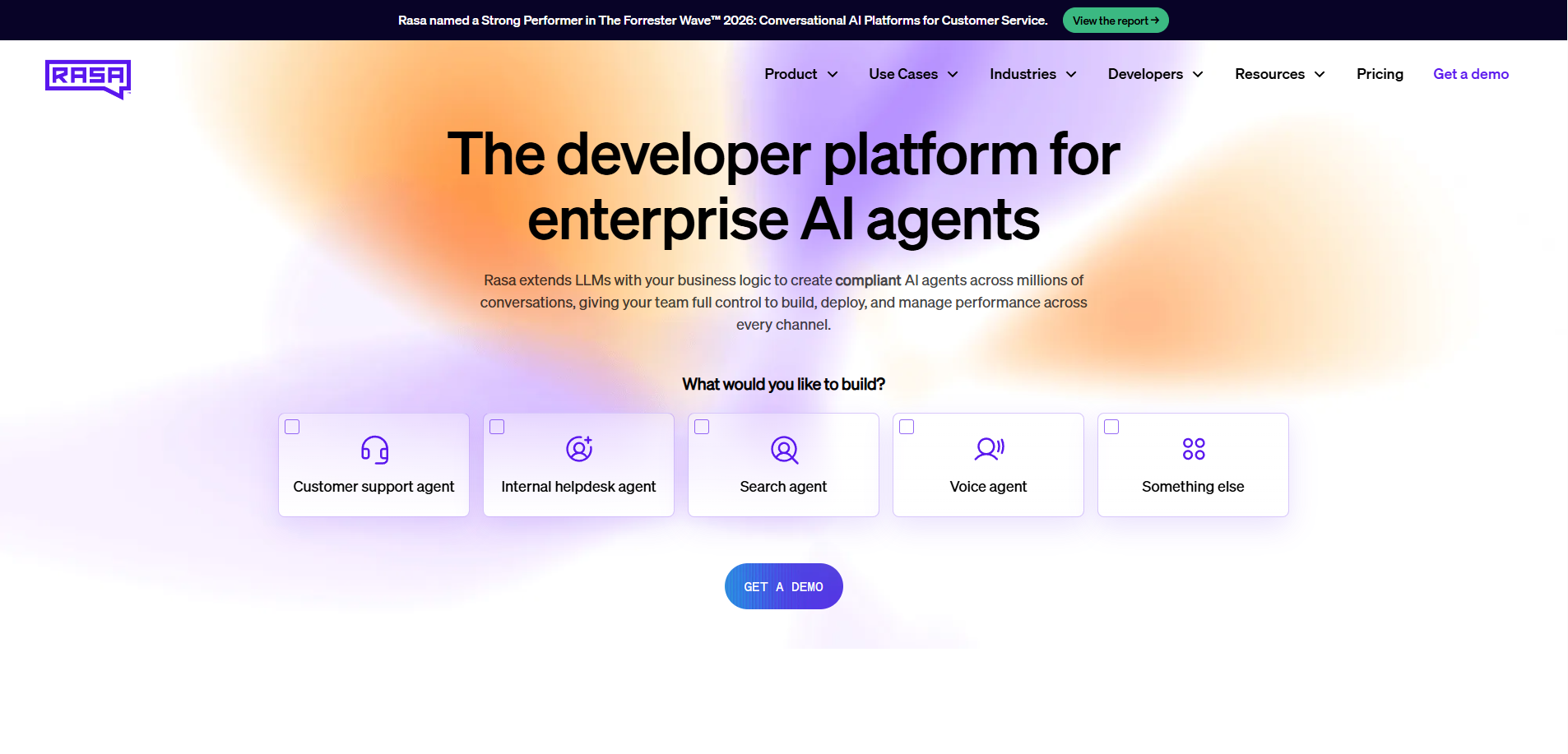
Rasa is the developer platform for enterprise AI agents.
It is best for technical teams that need agents to run across service channels, backend systems, and governed workflows while staying under their own deployment, security, and release model.
Copilot Studio is strongest for Microsoft-centered teams that want a low-code maker experience inside Microsoft 365 and Power Platform. Rasa is stronger when the agent needs to become part of the company’s software operation, with engineering ownership over integrations, testing, deployment, versioning, and releases.
Deutsche Telekom, Autodesk, Swisscom, and Groupe IMA run Rasa in production across voice and digital channels in regulated industries.
Score: 9.4/10. Highest marks for governance (10/10), deployment flexibility (10/10), voice (10/10), and pricing transparency (9/10).
Scored lower on Microsoft 365 ecosystem integration (4/10) vs. Copilot Studio's native M365 hooks.
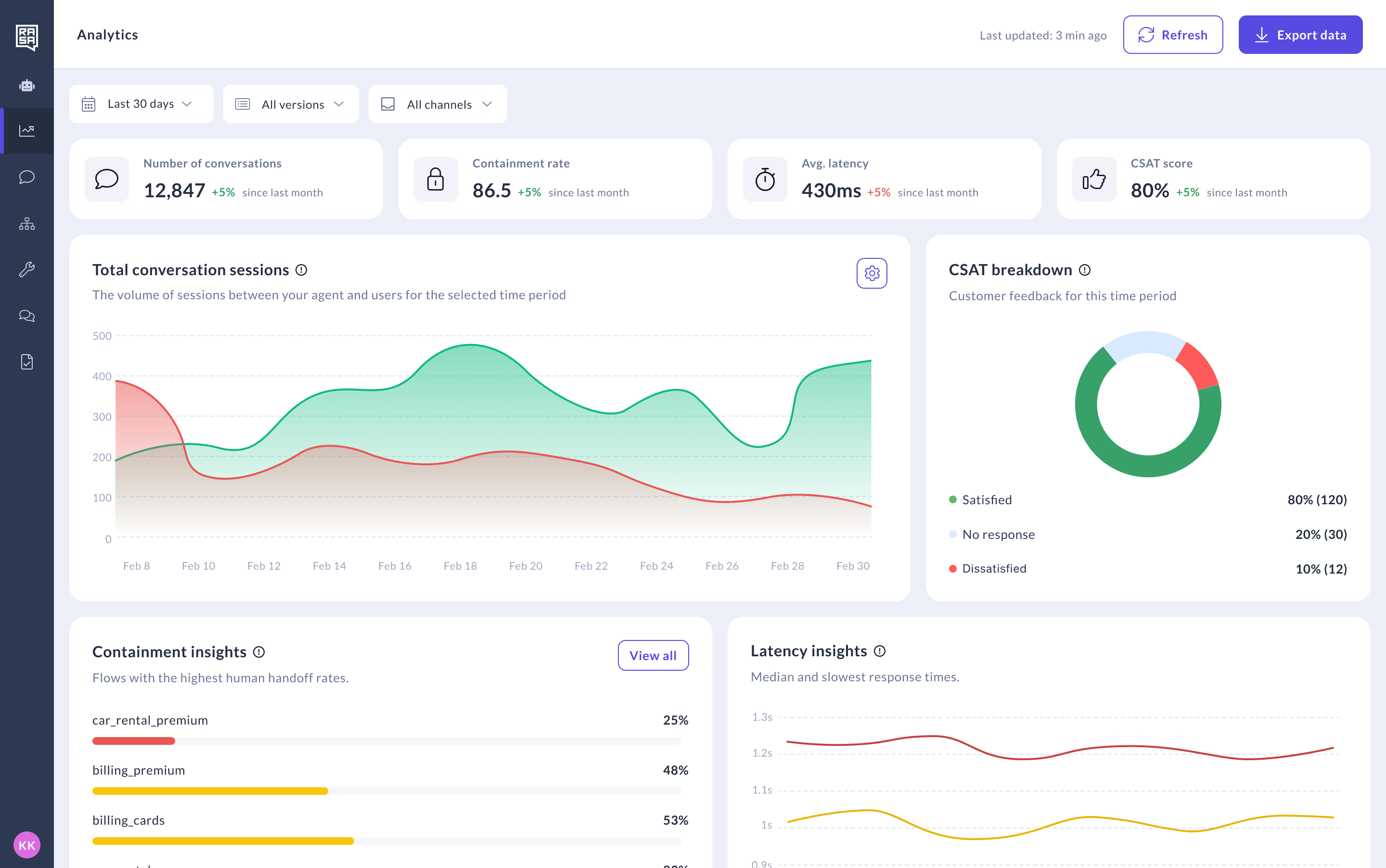
Product Overview
The Rasa Platform combines a pro-code framework, Studio for visual collaboration, and the Orchestrator for managing agent behavior across turns, tools, skills, and channels.
Engineering teams can build agents in code, connect backend systems through APIs and custom actions, test changes through existing CI/CD workflows, and deploy in the environment their security team requires. Studio gives non-technical teammates a visual way to review, test, and improve agent behavior without moving the source of truth into a separate low-code workspace.
For Copilot Studio buyers, the main difference is the operating model. Rasa does not require the agent to be built around Microsoft 365, Power Platform, Dataverse, or Dynamics. It fits teams that need the agent to work across mixed enterprise systems.
Pricing
Developer Edition (Free): Full access to Rasa. One bot per company, up to 1,000 external conversations/month (100 for internal agents). Community support via the Rasa Forum.
Enterprise (Custom): Premium support, dedicated CSM, advanced security features, custom onboarding, Rasa Studio for refining design and review. Contact Rasa for a quote.
Pricing is based on annual conversation volume, not per-interaction Copilot Credit consumption.
Contrast with Copilot Studio's multi-rate Copilot Credit model: $200/tenant/month for 25,000 credits, or pay-as-you-go credits, with different rates for classic answers, generative answers, tenant graph grounding, agent actions, prompt tools, agent flow actions, and computer-using agents.
Many premium features assume the upstream Microsoft 365 Copilot license at $30/user/month.
Integrations
Native: MCP server integration (beta), A2A (Agent-to-Agent) protocol (beta), custom Action Server.
Voice channel connectors for Twilio Voice, Twilio Media Streams, Jambonz, Jambonz Stream, AudioCodes VoiceAI Connect, AudioCodes Voice Stream, and Genesys Cloud.
Backend integrations through Action Server custom actions and MCP server connectivity for CRM, ERP, ticketing, and contact center systems. No Dataverse, Power Automate, Microsoft Graph, or Microsoft Entra dependencies.
Extensible: teams can replace or extend core modules (RAG pipeline, rephraser, command generator, NLU pipelines) without waiting on a vendor roadmap.
Setup
Rasa can be self-hosted or deployed in private-cloud and air-gapped environments. It requires technical ownership, especially for production use cases with backend integrations, security review, and release governance.
Swisscom went from prototype to production in 20 weeks, doubling automation rates and cutting operational costs by 50 percent.
Pros and Cons
Pros:
- Customer-controlled deployment.
- Strong fit with code, version control, CI/CD, tests, and release review.
- Voice and digital channel support through connectors and integrations.
- Backend integration through APIs, custom actions, and MCP-style patterns.
- Studio gives non-technical teams a visual way to review and improve agents.
Cons:
- Requires an engineering team or implementation partner.
- More platform than needed for simple internal Microsoft 365 agents.
- Less native Microsoft ecosystem convenience than Copilot Studio.
Tradeoffs
Choose Copilot Studio when your agent work is centered on Microsoft 365, Power Platform, Dynamics, and Teams, especially for internal or maker-led use cases.
Choose Rasa when the agent needs to run across mixed systems, support customer-controlled deployment, pass enterprise security review, and fit an engineering-led release process.
Support
Rasa Enterprise includes premium support, onboarding, customer success guidance, deployment support, and best-practice reviews.
Community support via the Rasa Forum. Documentation at rasa.com/docs. Learning resources at learning.rasa.com.
Mini Case Study
Deutsche Telekom deployed Rasa for internal IT support across 10,000+ employees in German and English. 50 percent of service desk inquiries resolved autonomously. 30 percent reduction in agent workload. Non-technical IT experts use Rasa Studio to design conversation flows.
See How Rasa Compares to Copilot Studio's Microsoft Estate Lock-In
#2. Cognigy (NICE): Best Copilot Studio Alternative for Enterprise Contact Center Voice
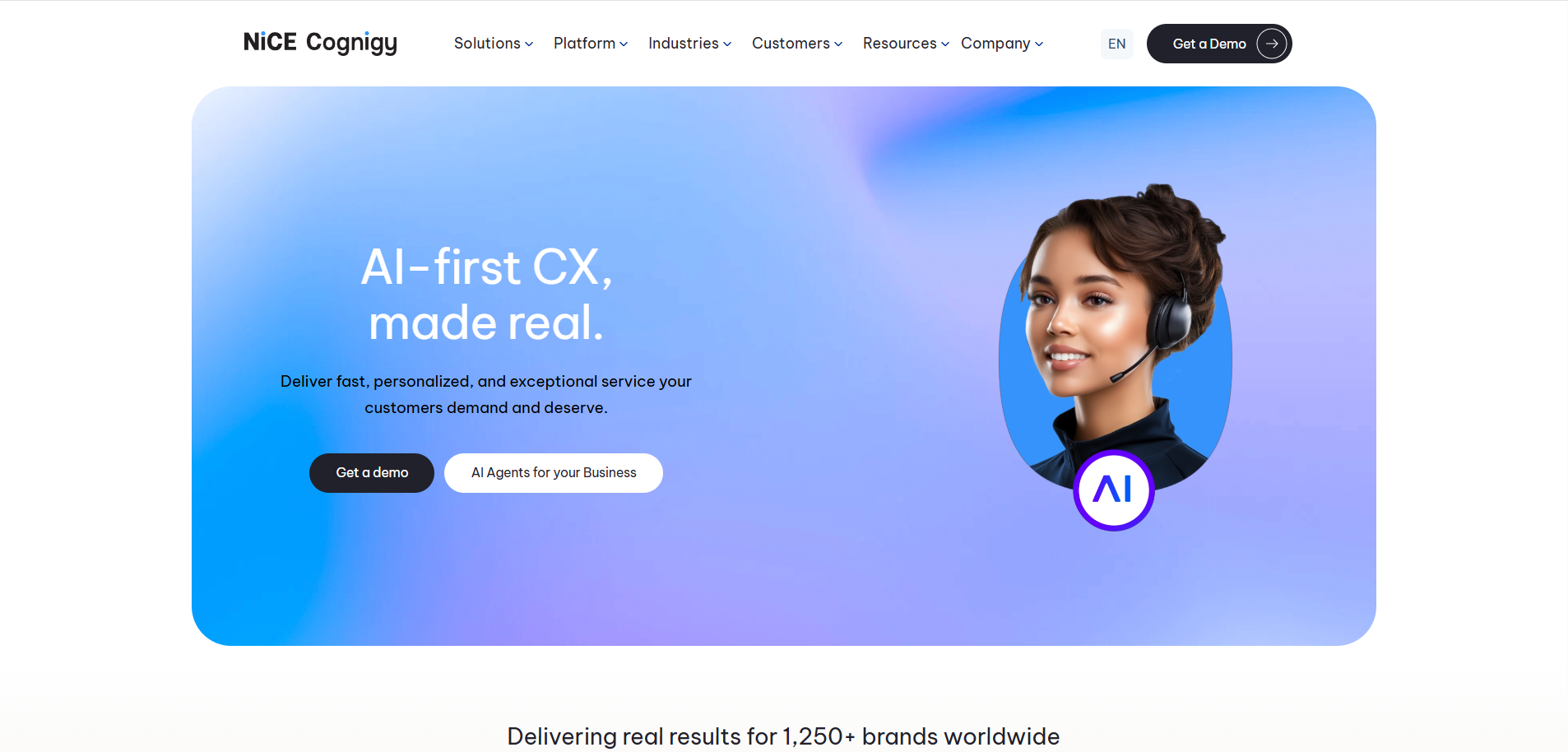
Cognigy is a strong fit for enterprise contact centers that want a mature conversational AI platform for voice and digital service automation.
Its center of gravity is customer service. Cognigy.AI includes visual agent building, Voice Gateway, knowledge grounding, analytics, multimodal experiences, live-agent handoff, and agent-assist capabilities. NICE’s acquisition strengthens the contact center story by bringing Cognigy closer to CXone and NICE’s broader customer service platform.
Score: 7.6/10. Strong omnichannel (9/10), native voice (9/10), on-premises option (8/10), and high-volume voice capability (9/10).
Scored lower on governance depth vs. Rasa's Orchestrator (6/10), pricing transparency (5/10), and NICE acquisition roadmap risk (6/10).
Product Overview
Cognigy is built for enterprise contact center automation across voice and digital channels.
Voice Gateway is the key differentiator. It connects Cognigy AI agents to contact center and telephony environments, and supports automated phone conversations, IVR, speech recognition, text-to-speech, multilingual support, and human handoff.
Cognigy also has a strong visual builder and a broad CX suite around it: AI Agent Studio, Knowledge AI, NLU, Insights, xApps, Live Agent, and Agent Copilot. That makes it a better fit than Copilot Studio for contact center teams that want voice automation as a core product motion rather than an extension of a Microsoft workspace.
Pros and Cons
Pros:
- Strong enterprise contact center focus.
- Voice Gateway for phone automation and contact center integration.
- Visual tooling for building and managing AI agents.
- Broad CX suite around analytics, agent assist, knowledge, and human handoff.
Cons:
- Less suited to teams that want the agent platform to live primarily in their own codebase and release workflow.
- NICE integration may affect roadmap, packaging, and buying motion.
- Pricing is not transparent publicly.
- Enterprise deployments still require meaningful implementation work..
Pricing
Pilots from $2,500-$5,000/month. Enterprise $100K-$350K+/year. Voice minutes and LLM tokens bill separately.
Setup
Weeks for pre-built templates. 2-4 months for enterprise deployments.
Tradeoffs
Choose Cognigy when contact center voice is the main priority and the team wants a mature CX automation platform with visual tooling, Voice Gateway, analytics, agent assist, and NICE alignment.
Choose Rasa when the agent needs to fit more deeply into the enterprise’s own engineering workflow, deployment model, backend architecture, and release process.
4.7/5 Gartner Peer Insights (100+ reviews).
#3. Kore.ai: Best Copilot Studio Alternative for Broad Enterprise Agent Programs
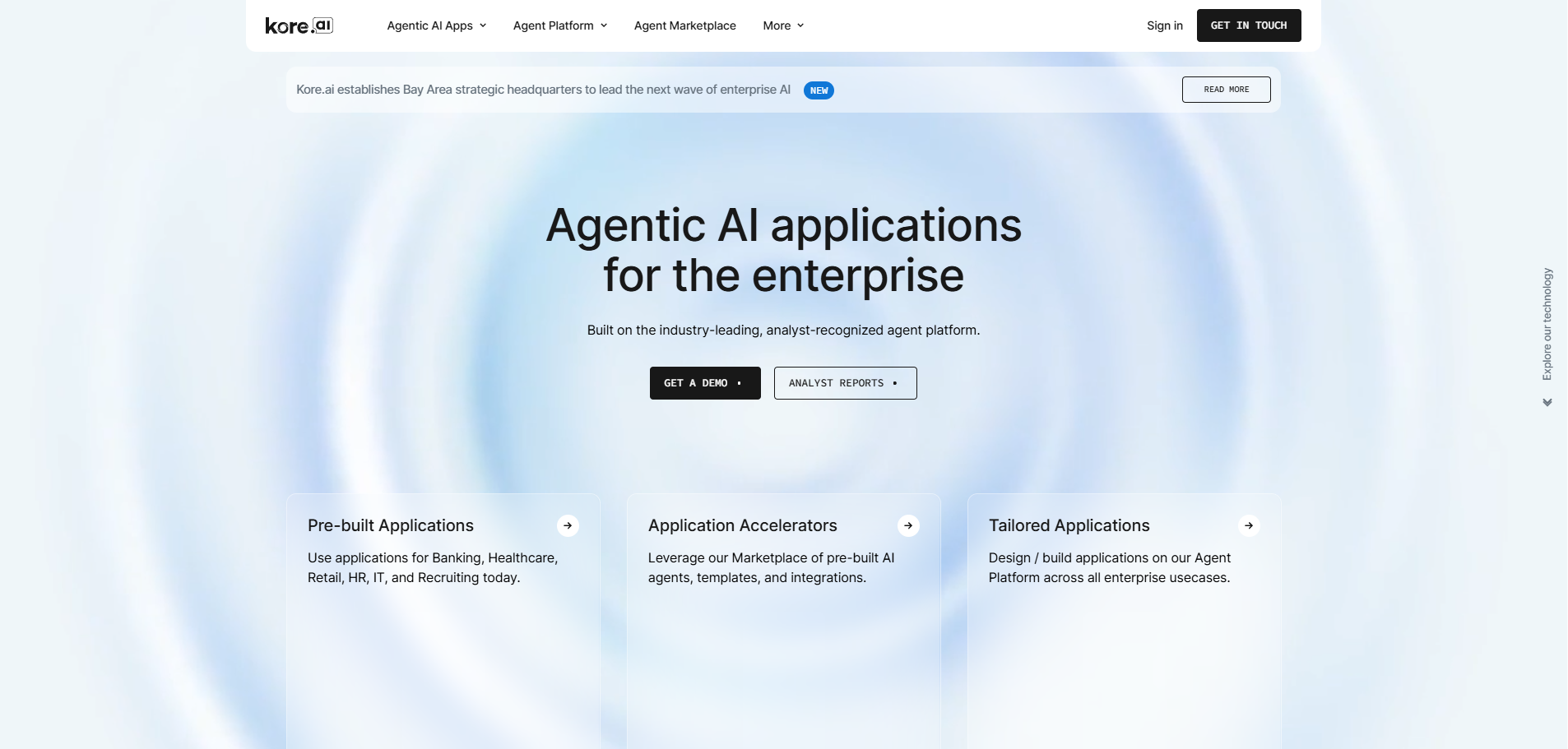
Kore.ai is a strong fit for large enterprises that want one platform for many AI agent initiatives across service, work, process automation, and contact center use cases.
It is broader than a Copilot Studio replacement. Kore.ai’s current Agent Platform, Artemis, includes visual and code-based authoring, agent orchestration, guardrails, evals, observability, lifecycle management, memory, integrations, and deployment options for enterprise environments.
Score: 7.4/10. Strong enterprise depth (8/10), on-prem option (8/10), and Gartner Leader recognition (9/10).
Scored lower on setup speed (5/10, 3-6 month implementations), pricing transparency (5/10), and integration reliability (6/10 per Capterra).
Product Overview
Kore.ai is built for enterprises that want to standardize agent development across multiple teams and use cases.
Its platform includes Agent Studio for building agents, Arch for AI-assisted agent design, and ABL for defining agent behavior, tools, guardrails, orchestration, and handoff logic in a structured format. The platform also includes runtime, workflows, memory management, observability, agent evals, insights, and lifecycle management.
Kore.ai also has a strong contact center motion through AI for Service, SmartAssist, Agent AI, and integrations with major contact center and CRM systems.
Pros and Cons
Pros:
- Broad enterprise agent platform, not only a CX bot builder.
- Visual and code-based authoring in one platform.
- Strong contact center and agent-assist coverage.
Cons:
- Broad platform surface can add complexity for teams with a narrower agent scope.
- Pricing is not public.
- Implementation effort can be significant for custom enterprise deployments.
- Less natural fit for teams that want the agent source of truth to live primarily in their own codebase and engineering workflow.
Pricing
Custom enterprise pricing. No public rate card. Typical deployments $300K+/year per public reporting.
Setup
Weeks for pre-built agents. Months for custom enterprise.
Tradeoffs
Choose Kore.ai when the goal is to standardize many agent initiatives on a broad enterprise platform with low-code tooling, governance, contact center support, and prebuilt industry patterns.
Choose Rasa when technical ownership matters more: codebase control, deployment control, model choice, backend integration flexibility, and release processes that fit the enterprise’s own software operation.
4.4/5 Capterra (17 reviews).
#4. IBM watsonx Assistant: Best Copilot Studio Alternative for IBM-Standardized Enterprises
IBM watsonx Assistant is a strong fit for enterprises already invested in IBM’s AI, data, automation, and hybrid-cloud stack.
It gives teams a low-code environment for building customer-facing virtual assistants, with actions, generative AI capabilities, analytics, draft-to-live publishing, and support for managed cloud or on-premises deployment.
Score: 7.0/10. Strong on-prem deployment (9/10) and IBM compliance framework (8/10).
Scored lower on voice (6/10, voice is an add-on), setup speed (5/10), and governance architecture vs. Rasa's Orchestrator (6/10).
Product Overview
IBM watsonx Assistant is built for enterprises that want conversational AI inside the IBM operating model.
The product supports actions-based assistant design, conversational search, analytics, environments, web chat, phone integrations, and custom extensions. IBM also offers watsonx Orchestrate as a broader control plane for building, governing, and coordinating agents across enterprise workflows.
The strongest fit is an IBM-standardized enterprise that wants a Microsoft alternative without moving to a smaller specialist platform.
Pros and Cons
Pros:
- Managed cloud and on-premises deployment options.
- Strong fit for IBM-standardized enterprise environments.
- Low-code assistant building with analytics and publishing workflow.
- Phone, web chat, and extension support.
- Clearer fit for regulated buyers already using IBM Cloud Pak, Software Hub, or watsonx.
Cons:
- Phone capabilities differ between IBM Cloud and IBM Software Hub.
- Enterprise setup can be heavier than lighter developer platforms.
- Less natural fit for teams that want the agent source of truth in their own codebase and CI/CD workflow.
Pricing
Lite (free tier). Plus from $140/month + usage. Enterprise custom.
Setup
Weeks for cloud deployment. Months for on-premises enterprise.
Tradeoffs
Choose IBM watsonx Assistant when your organization already runs on IBM and wants a Microsoft alternative within that ecosystem.
Choose Rasa when the team wants a more focused developer platform for enterprise agents, with stronger fit for customer-controlled deployment, engineering workflow, backend integration, and release ownership.
4.4/5 Capterra (30+ reviews).
#5. Google Gemini Enterprise Agent Platform: Best Copilot Studio Alternative for Google Cloud Teams
Google Gemini Enterprise Agent Platform is a strong fit for enterprises that want to build agents inside Google Cloud rather than Microsoft’s ecosystem.
It brings together agent building, model access, managed runtime, memory, governance, evaluation, observability, and Google Cloud integration in one hyperscaler platform.
Score: 7.0/10. Strong GCP integration (9/10), multi-framework support (8/10), and BigQuery/Firestore integration (9/10).
Scored lower on deployment outside GCP (3/10), pricing predictability (5/10), and deterministic dialogue management (5/10).
Product Overview
Google’s Agent Platform gives teams a managed foundation for building and operating AI agents on Google Cloud.
It includes Agent Development Kit, Agent Studio, Agent Garden, Model Garden, RAG Engine, Vector Search, Agent Runtime, Sessions, Memory Bank, Agent Gateway, Agent Registry, policy controls, evals, simulations, and tracing. ADK is open source and supports multi-agent architectures, while Agent Runtime provides the managed deployment layer.
This is the clearest fit for teams that already use Google Cloud and want Gemini, Vertex AI, IAM, data services, and agent infrastructure from one provider.
Pros and Cons
Pros:
- Strong Google Cloud fit.
- Open-source ADK for code-first agent development.
- Managed runtime for deploying and scaling agents.
- Built-in memory, sessions, evaluation, tracing, and governance tools.
- Supports common agent frameworks, including LangChain, LangGraph, LlamaIndex, and custom agents.
Cons:
- Best value comes when the buyer is already committed to Google Cloud.
- Pricing spans several Google Cloud services, so cost modeling needs care.
- Requires technical teams for serious production use.
Pricing
GCP consumption pricing. No standalone free tier for the agent builder.
Setup
Days for managed agent deployments within Vertex AI. Weeks for production with BigQuery integration.
Tradeoffs
Best Choose Google Gemini Enterprise Agent Platform when your enterprise wants a managed Google Cloud foundation for agents.
Choose Rasa when the team wants a cloud-neutral developer platform that fits its own deployment model, backend architecture, and release process.
#6. Voiceflow: Best Copilot Studio Alternative for Design-Led No-Code Teams
Voiceflow is a strong fit for CX, product, and conversation design teams that want a visual workspace for building and managing AI agents outside Microsoft.
It is best when collaboration, prototyping, knowledge management, and agent experience design matter more than customer-controlled deployment or deep engineering ownership.
Score: 6.8/10. Strong design-led visual building (9/10), LLM flexibility (8/10), and integration breadth across Twilio, Genesys, Dialogflow, and Lex (8/10).
Scored lower on deployment flexibility (3/10, cloud only), enterprise governance (5/10), and native voice depth (5/10).
Product Overview
Voiceflow is a visual AI agent platform for building, testing, deploying, and monitoring chat and voice agents.
The platform includes an agent builder, playbooks, workflow builder, knowledge base, integrations, custom code, APIs, analytics, transcripts, and automated evaluations. Teams can use it to prototype agent experiences quickly, connect business tools, and manage agent content in one shared workspace.
Voiceflow also supports developer extension through APIs and custom integrations, so it is not only a design canvas. Its strongest fit is still cross-functional agent design and CX automation, not engineering-led platform ownership.
Pros and Cons
Pros:
- Strong visual builder for design-led teams.
- Good collaboration surface for CX, product, and conversation design.
- Knowledge base, workflows, playbooks, and API-based extension.
- Built-in analytics, transcripts, and evaluation support.
- Supports chat and voice agent deployment.
Cons:
- Enterprise hosting and private-cloud details need confirmation during procurement.
- Less suited to teams that want the agent source of truth in their own codebase.
- Weaker fit for regulated service workflows that require strict release governance and deep backend ownership.
Pricing
Free tier. Pro $60/editor/month. Teams and Enterprise custom pricing.
Setup
Hours for initial visual prototypes. Days for production with integrations.
Tradeoffs
Choose Voiceflow when the team needs a collaborative visual platform for designing, testing, and improving AI agents.
Choose Rasa when the agent needs to fit an engineering-led release process, run in customer-controlled environments, and connect deeply into enterprise backend systems.
#7. Botpress: Best Open-Source Copilot Studio Alternative for Technical Agent Building
Botpress is a strong fit for teams that want a fast visual builder for AI agents without working inside Microsoft’s tenant.
It gives builders a drag-and-drop Studio, a TypeScript ADK, integrations, webchat, API access, human handoff, conversation insights, and AI spend controls.
Score: 6.8/10. Strong prototyping speed (9/10) and LLM flexibility (9/10).
Scored lower on governance (4/10), deployment (3/10, self-hosted OSS deprecated), voice (2/10), and enterprise readiness (5/10).
Product Overview
Autonomous AI agent platform with visual Studio and pro-code SDK. LLM-agnostic architecture (OpenAI, Anthropic, Mistral). 100+ pre-built integrations, including CRM, Slack, and WhatsApp. Multi-turn reasoning with persistent memory.
RaiBotpress is now centered on Botpress Cloud. The older self-hosted Botpress v12 product has been sunset and is no longer available for new deployments.
The platform is useful for teams that want to prototype and launch agents quickly, then extend them with code, APIs, integrations, and structured data. It also offers Botpress Desk for AI-assisted support workflows.
Botpress is a closer fit for hosted agent building than for enterprises looking for customer-controlled deployment or deep release governance.
Pros and Cons
Pros:
- Fast visual agent building.
- TypeScript ADK for code-based extension.
- Integrations for channels, tools, and external services.
- Webchat, human handoff, conversation insights, and version history.
- AI Spend controls and visibility.
Cons:
- New Botpress deployments run on Botpress Cloud.
- Self-hosted Botpress v12 is sunset.
- Pricing includes plan cost, message/event limits, add-ons, and AI Spend.
- Less suited to enterprises that require customer-controlled deployment and engineering-led release ownership.
Pricing
Free (500 messages). Plus $79/month. Team $495/month. Enterprise custom.
Setup
Hours for initial bots. Days for production with integrations.
Tradeoffs
Choose Botpress when the team wants a hosted visual builder with developer extension and quick launch paths.
Choose Rasa when customer-controlled deployment, backend integration depth, release governance, and enterprise software ownership matter more than hosted build speed.
4.5/5 Capterra (35 reviews).
#8. Dust.tt: Best Copilot Studio Alternative for Internal Knowledge Agents
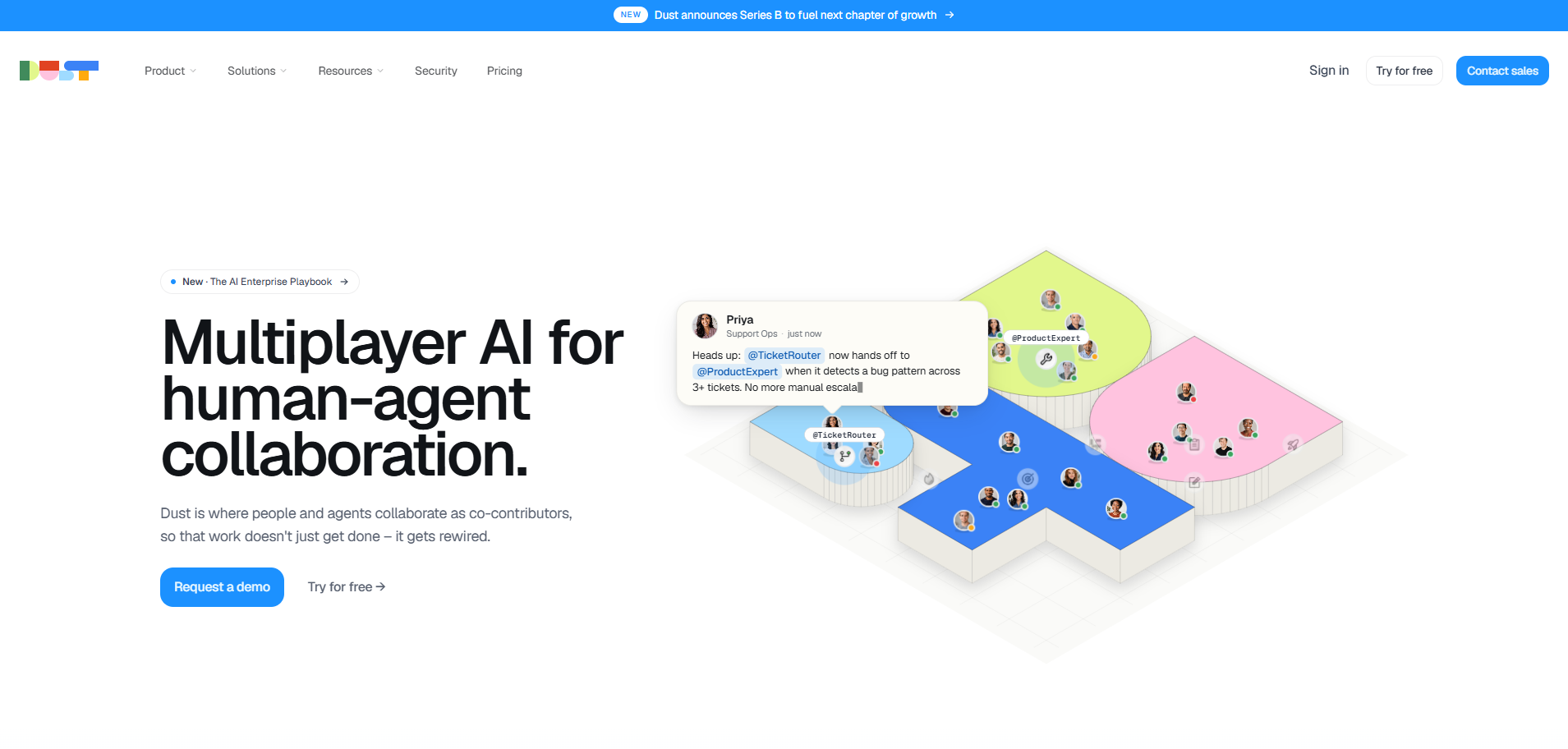
Dust is a strong fit for companies that want employees to build and use AI agents over internal knowledge and business tools.
It is most relevant when the goal is internal productivity: answering questions from company data, searching across connected systems, summarizing work, and helping teams create specialized assistants without relying on Microsoft Graph.
Score: 6.8/10. Strong multi-source knowledge agents (9/10), European data residency option (8/10), and SaaS integration depth (8/10).
Scored lower on deployment flexibility (4/10, cloud only), voice (3/10), and deterministic dialogue management (5/10).
Product Overview
Dust is an enterprise AI assistant workspace. Teams can create agents, connect company data, use tools, and bring Dust into collaboration channels like Slack.
Dust’s managed connections include Google Drive, Notion, Confluence, Intercom, GitHub, Microsoft, Snowflake, BigQuery, Zendesk, Gong, and Salesforce. Admins control which sources are synced and whether data is available broadly or only through specific spaces.
The product also includes agent memory, audit logs, workspace analytics, permissions, SSO, user provisioning, and Slack access.
Pros and Cons
Pros:
- Strong fit for internal knowledge agents.
- Managed connectors for common workplace data sources.
- Useful Slack-based assistant experience.
- Admin controls for data access and spaces.
- Audit logs, analytics, permissions, SSO, and provisioning support.
Cons:
- Public materials do not describe a customer self-hosted deployment option.
- Better fit for employee knowledge work than customer-facing service automation.
- Less suited to governed service journeys with deep backend actions and release-controlled conversation logic.
Pricing
From $29/seat/month. Enterprise custom.
Setup
Days for connected knowledge agents. Weeks for production with custom integrations.
Tradeoffs
Choose Dust when the main need is internal knowledge access and team-level AI assistants.
Choose Rasa when the agent needs to handle customer or employee service journeys across backend systems, governed workflows, voice and digital channels, and customer-controlled deployment.
#9. n8n: Best Open-Source Copilot Studio Alternative for Workflow Automation
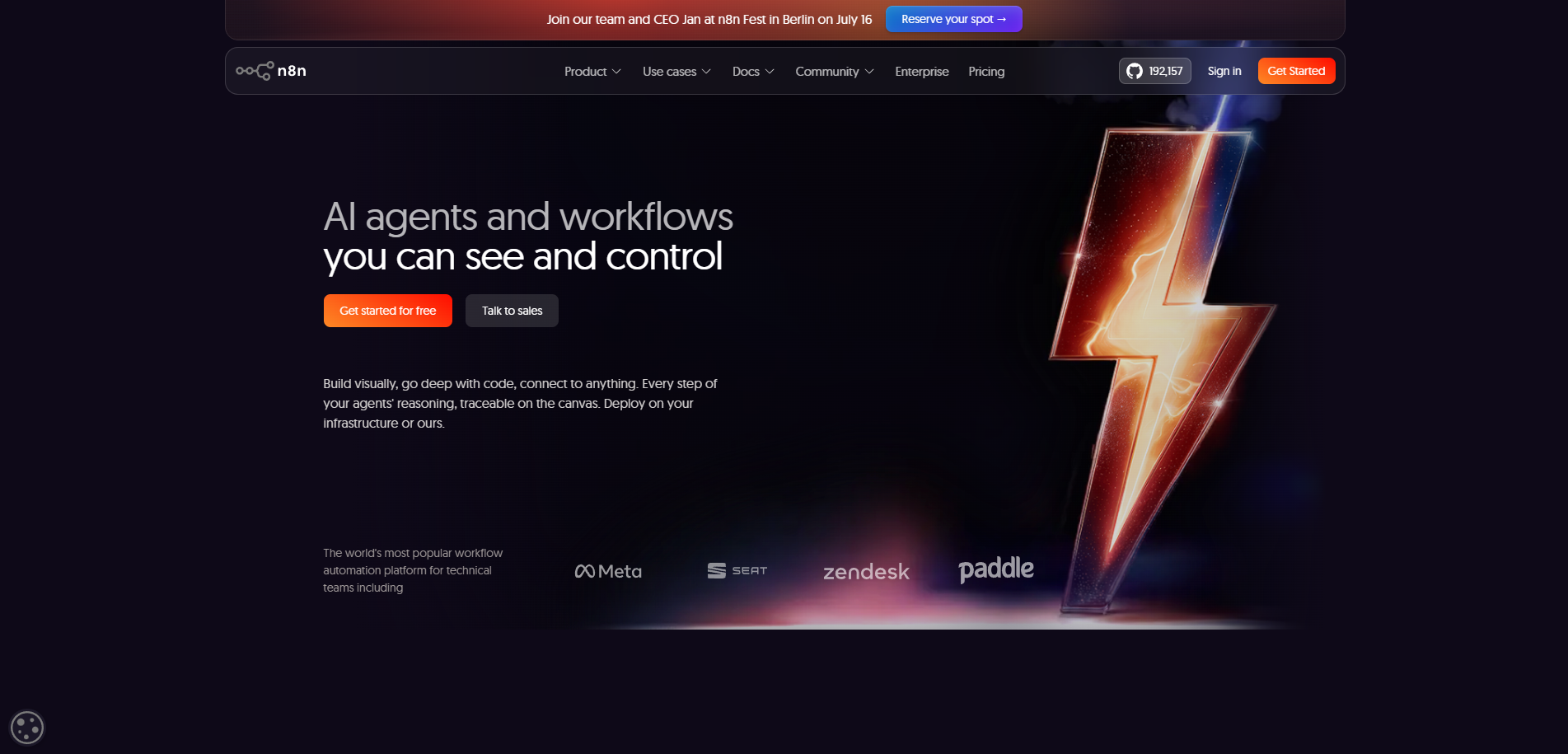
n8n is a strong fit for technical teams that want workflow automation outside Power Automate.
It is especially useful when the team wants self-hosting, broad integrations, and visual workflow control without committing to Microsoft’s automation layer.
Score: 7.0/10. Strong self-hosted option (10/10), integration breadth (9/10), and fair-code license (8/10).
Scored lower on conversational AI primitives (4/10), enterprise governance (5/10), and deterministic dialogue management (3/10).
Product Overview
n8n is a fair-code workflow automation platform for technical teams.
It lets teams build workflows with triggers, nodes, API calls, custom code, credentials, webhooks, AI steps, and human-in-the-loop logic. Its integration catalog is broad, with 1,900+ listed integrations across business apps, databases, AI tools, communication channels, and developer systems.
n8n can replace or supplement Power Automate for backend workflows. It is not a full conversational AI platform, so it fits best beside an agent platform when the user experience, dialogue state, voice, and service journey logic also matter.
Pros and Cons
Pros:
- Strong self-hosted option.
- Broad integration catalog.
- Visual workflow builder with code extension.
- Useful AI nodes and agent workflow patterns.
- Good fit for technical automation teams.
Cons:
- Not designed as an enterprise conversational AI platform.
- Voice and contact center automation require additional tools.
- Conversation state, repair, testing, and channel continuity need to be handled elsewhere.
Pricing
Free self-hosted (fair-code license). Cloud from $20/month. Enterprise custom.
Setup
Hours for self-hosted instance. Days for production workflows.
Tradeoffs
Choose n8n when the main need is workflow automation across APIs, SaaS tools, and internal systems.
Choose Rasa when the main need is a production conversational agent that manages dialogue, service journeys, voice and digital channels, backend actions, and enterprise release control.
#10. Zapier Agents: Best Lightweight Copilot Studio Alternative for SaaS Workflow Automation
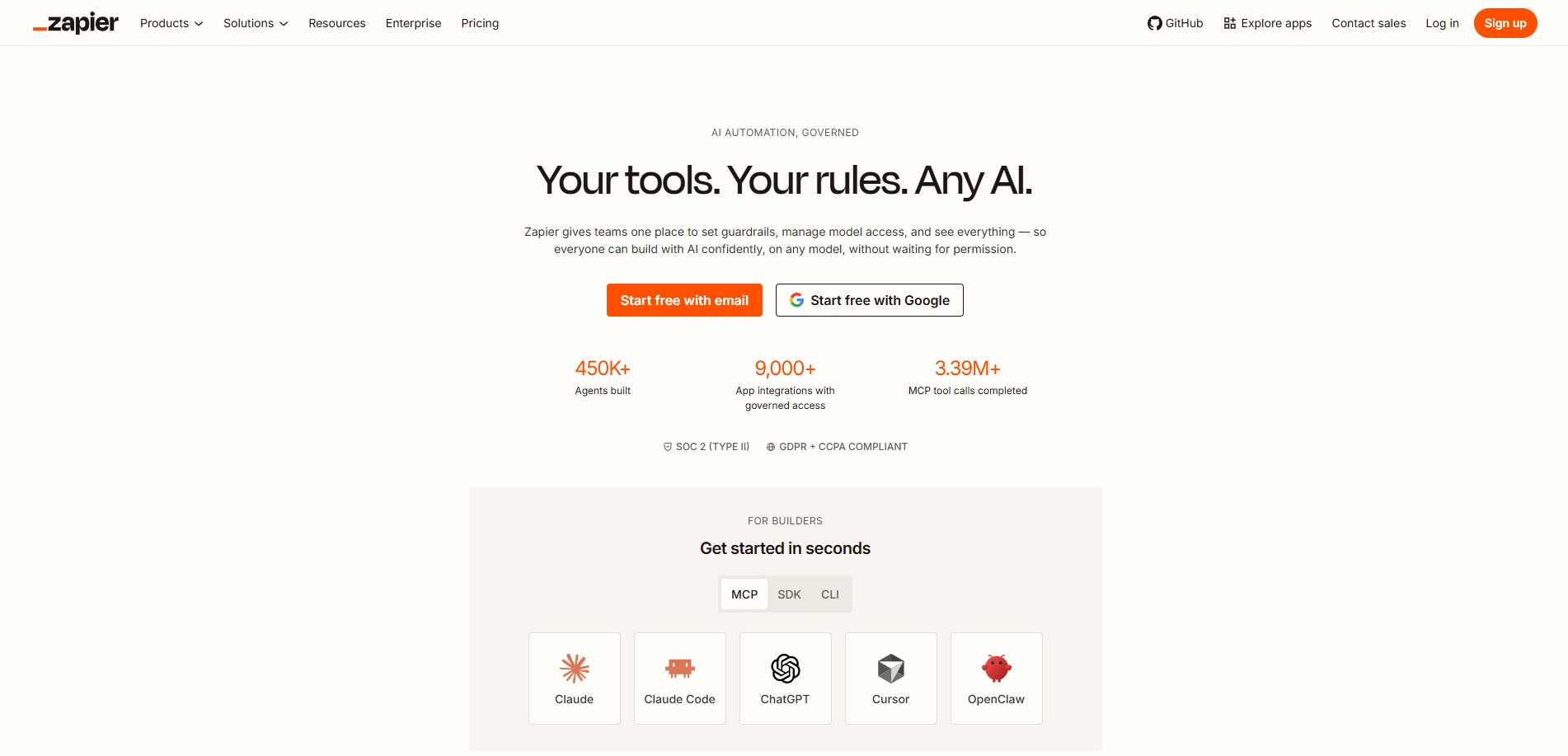
Zapier Agents is a good fit for business teams that want AI agents to take action across SaaS tools without building inside Microsoft Power Platform.
It is strongest when the agent automates small operational tasks: checking apps, using knowledge sources, creating records, sending updates, or triggering workflows.
Score: 6.4/10. Largest SaaS integration footprint (10/10), no-code triggers (9/10), and fast deployment (9/10).
Scored lower on conversational AI primitives (4/10), deployment flexibility (3/10, cloud only), and enterprise governance (4/10).
Product Overview
Zapier is a no-code automation platform with 9,000+ app integrations. Zapier Agents adds an AI agent layer on top of that automation network. Agents can follow instructions, use triggers, answer from knowledge sources, run actions, browse the web, and connect to apps through Zapier.
This makes Zapier useful when teams want AI-assisted workflow automation outside Microsoft. It is less relevant when the requirement is a full enterprise conversational AI platform for customer service, voice, governed journeys, or complex backend operations.
Pros and Cons
Pros:
- Very large SaaS integration ecosystem.
- Fast no-code setup for business teams.
- Useful for lightweight operational agents.
- Agents can use triggers, actions, knowledge sources, and web search.
Cons:
- Agent usage is activity-based.
- AI workflow pricing can vary by model tier and tool calls.
- Limited fit for production conversational AI across service channels.
- Voice, dialogue management, and governed service journeys require another platform.
Pricing
Zapier base from $20/month. Agent tiers add to base pricing.
Setup
Hours for initial workflow agents.
Tradeoffs
Choose Zapier Agents when the main need is lightweight SaaS workflow automation.
Choose Rasa when the agent needs to manage service journeys, backend actions, voice and digital channels, governed behavior, and enterprise release control.
#11. Dify: Best Copilot Studio Alternative for LLM App Building
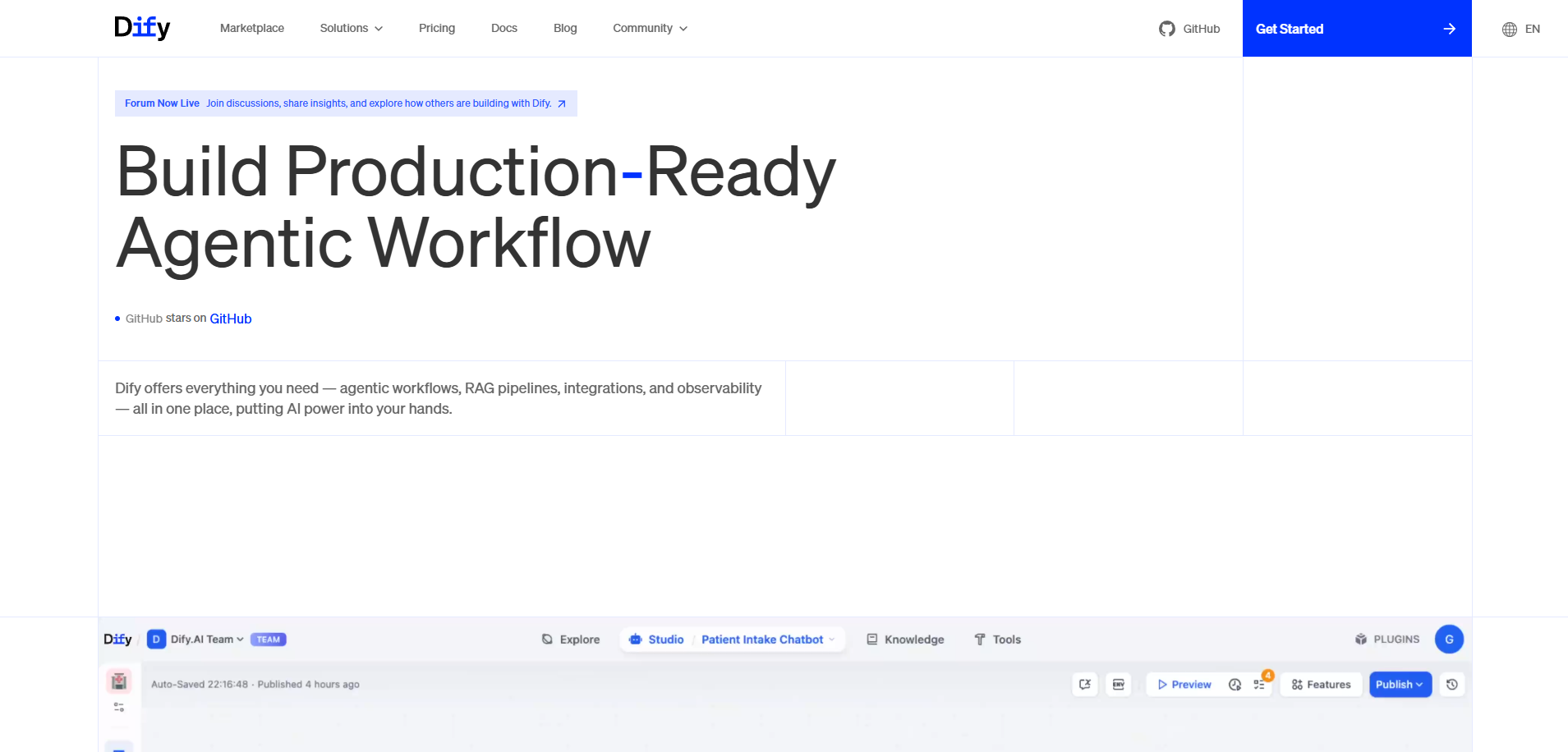
Dify is a strong fit for technical teams building LLM apps, RAG workflows, internal tools, and agent prototypes outside Microsoft’s ecosystem.
It is useful when teams want a visual app builder, model choice, knowledge base management, workflow orchestration, plugins, APIs, and self-hosting.
Score: 6.8/10. Strong open-source LLM app primitives (8/10), self-hosted option (9/10), and multi-LLM support (8/10).
Scored lower on deterministic dialogue management (4/10), native voice (3/10), and enterprise governance (5/10).
Product Overview
Dify is an open-source LLM application platform. It supports chatbots, agents, workflows, text generation apps, RAG pipelines, model management, app publishing, logs, and API deployment.
Its plugin system lets teams add tools, model providers, agent strategies, extensions, datasources, and workflow triggers. That makes Dify a flexible platform for building LLM apps around documents, tools, and custom workflows.
Dify is closer to an LLM app platform than an enterprise conversational AI platform. It is a good fit for teams building RAG apps and agent prototypes. It is weaker when the use case requires production service journeys across channels, governed dialogue behavior, contact center voice, and enterprise release control.
Pros and Cons
Pros:
- Open-source platform with self-hosted and cloud options.
- Visual builder for chatbots, agents, and workflows.
- Strong RAG and knowledge base tooling.
- Multi-model support through model providers and plugins.
- Plugin ecosystem for tools, datasources, triggers, and custom agent strategies.
Cons:
- License includes restrictions for multi-tenant services and frontend branding.
- Not a contact center voice platform.
- Conversation state, service journey logic, release governance, and channel continuity require more design work.
- Enterprise buyers need to validate security, access control, audit, and operational support requirements.
Pricing
Free OSS self-host. Cloud from $59/month. Enterprise custom.
Setup
Hours for self-hosted deployment. Days for production LLM apps.
Tradeoffs
Strongest open-source LLM app platform with self-hosted deployment as a first-class option.
Trades Copilot Studio's tight M365 integration for full ownership and infrastructure independence.
Not a full conversational AI platform, so it pairs naturally with Rasa for dialogue management when both LLM app development and production conversational AI matter.Choose Dify when the main need is a flexible LLM app platform for RAG, workflows, tools, and prototypes.
Choose Rasa when the main need is a production conversational agent that operates across service channels, backend systems, governed workflows, and an enterprise release process.
Why Choose a Microsoft Copilot Studio Alternative?
Copilot Studio is a strong choice when the agent belongs inside Microsoft’s ecosystem. The alternatives become more relevant when the agent has to operate across a broader enterprise architecture.
Cost gets harder to model at production scale
Copilot Studio uses Copilot Credits. Usage depends on what the agent does, so a simple answer and a workflow-heavy interaction can have very different cost profiles.
Microsoft 365 Copilot licensing can also change the economics. Some employee-facing usage is included for licensed users, while other usage still consumes credits.
For high-volume service teams, this makes cost modeling a real evaluation step. Rasa’s annual conversation-volume licensing gives teams a simpler planning model.
The agent needs to run outside the Microsoft estate
Copilot Studio fits Microsoft-centered teams well. It is less flexible when the agent has to work across non-Microsoft systems, existing contact center platforms, custom backend services, or a cloud-neutral architecture.
That is where buyers usually compare Rasa, Cognigy, Kore.ai, IBM watsonx Assistant, Google’s Agent Platform, and technical tools like n8n or Dify.
Deployment control matters
Some enterprises need more than SaaS hosting. They need control over where the agent runs, where data is processed, and how the system fits security review.
Rasa is strongest here for technical enterprise teams because it supports customer-controlled deployment across self-hosted, private-cloud, and air-gapped environments.
For other vendors, confirm the exact meaning of “private cloud,” “on-premises,” or “enterprise deployment.” These terms are not interchangeable.
Engineering teams need a real software workflow
Low-code tools help teams move quickly, especially for internal agents and simple workflows.
Production service agents need a deeper operating model: code review, tests, versioning, CI/CD, release governance, backend integration, and rollback. This matters when the agent touches customer data, account actions, claims, payments, or regulated workflows.
Rasa fits teams that want the agent to become part of their own software operation. Studio gives non-technical teams a review and improvement surface without moving the source of truth out of engineering control.
Voice may need a broader architecture
Copilot Studio supports real-time voice through Dynamics 365 Contact Center. That is useful for Microsoft contact center teams.
Alternatives are worth evaluating when voice needs to connect into existing telephony, speech providers, backend systems, and digital channels. Rasa supports voice through connectors and speech-provider integrations. Cognigy is also a strong fit when the priority is a packaged contact center voice platform.
How to Choose the Right Alternative to Copilot Studio
Start with the job the agent needs to do
Separate simple internal agents from production service agents.
Copilot Studio is often enough for internal Microsoft 365 use cases, especially when the agent mostly answers questions, triggers simple workflows, or supports employees inside the Microsoft workspace.
A broader shortlist makes sense when the agent has to resolve customer issues, work across multiple backend systems, support voice, pass security review, or operate outside the Microsoft estate.
Model the production cost
Do not compare vendors by entry price.
Model the cost of the journey you actually want to automate: expected volume, user type, workflow complexity, model usage, tool calls, voice costs, fallback rates, and support effort.
For Copilot Studio, include Copilot Credit consumption and any Microsoft 365 Copilot licensing assumptions. For alternatives, include platform licensing, LLM usage, hosting, implementation, and ongoing maintenance.
Decide how much control your team needs
Some teams want a hosted workspace where business users can build quickly. Others need the agent to behave like part of their own software stack.
This is usually the biggest fork in the decision.
Choose low-code or managed platforms when speed and packaged operations matter most. Choose a developer platform when your team needs code review, testing, versioning, deployment control, backend integration, and release governance.
Check deployment and data requirements early
Deployment language gets slippery. Confirm what each vendor actually supports before shortlisting.
Ask where the agent runs, where data is processed, who operates the infrastructure, what private-cloud or self-hosted options mean, and whether air-gapped deployment is supported.
This step should happen before a demo, not after procurement has already fallen in love with the product.
Test a real journey, not a happy-path demo
Use one production journey with real constraints: identity, backend actions, edge cases, escalation, analytics, and failure handling.
For voice, test turn-taking, interruption, latency, speech provider fit, handoff, and channel continuity.
A good proof of value should show what happens when the agent gets messy input, missing data, tool errors, policy constraints, and a user changing direction mid-task.
Choose based on operating model
The right alternative is the one your team can operate for the next three years.
Copilot Studio fits Microsoft-centered teams. Cognigy fits contact center voice programs. Kore.ai fits broad enterprise agent standardization. Voiceflow fits design-led agent teams. n8n and Zapier fit workflow automation. Dify fits LLM app building. Rasa fits technical enterprise teams that need agents to run across systems, channels, governed workflows, and their own release process.
Key Criteria to Use When Comparing Copilot Studio Competitors
Cost model
Understand how costs change when usage grows.
Copilot Studio uses Copilot Credits, and credit consumption depends on agent activity. Alternatives may use conversation volume, seats, tasks, credits, model usage, or custom enterprise contracts.
For service use cases, model the whole journey: agent usage, LLM usage, voice costs, fallback rate, hosting, implementation, and ongoing support.
Deployment and data control
Confirm where the agent runs, where data is processed, and who operates the infrastructure.
Some vendors offer hosted SaaS only. Others support private cloud, self-hosting, or on-premises deployment. Treat these terms carefully. They can mean very different levels of customer control.
Rasa is strongest here for teams that need customer-controlled deployment, including self-hosted, private-cloud, and air-gapped environments.
Engineering workflow
Check whether the platform fits your release process.
For simple internal agents, a low-code workspace may be enough. For production service agents, teams often need code review, tests, versioning, CI/CD, rollback, and clear ownership of backend integrations.
Rasa is built for engineering-led teams. Voiceflow, Copilot Studio, Cognigy, and Kore.ai offer stronger visual builder experiences. n8n and Dify fit technical teams building workflows or LLM apps.
Integration depth
Look beyond connector counts.
The important question is whether the agent can safely call the systems that matter: identity, CRM, billing, claims, orders, policies, appointments, tickets, and contact center tools.
For Copilot Studio, this often means working through Microsoft’s application stack. For alternatives, check API access, custom actions, MCP support, authentication, permissions, tool gating, and audit trails.
Voice and channel continuity
Voice should not be evaluated as a checkbox.
Check how the platform handles turn-taking, interruption, latency, escalation, transcripts, analytics, and continuity across channels.
Cognigy is a strong choice when packaged contact center voice is the priority. Rasa is a strong choice when voice is one channel in a broader enterprise agent architecture across backend systems and digital channels.
Governance and auditability
Production agents need evidence.
Teams should be able to inspect what the agent did, what data it used, which tool it called, how the response was produced, and how changes were tested before release.
For regulated workflows, also check access control, approval workflows, audit logs, data retention, evaluation tooling, and release history.
Extensibility
Make sure the platform can grow with your architecture.
Look for model choice, API access, custom actions, custom channels, integration hooks, observability options, and the ability to connect with existing developer tools.
Configuration is useful. Extensibility matters when the agent becomes part of a larger enterprise system.
Cost Comparison: Copilot Studio vs. Competitors
Copilot Studio pricing combines a tenant license, multi-rate Copilot Credit consumption, and upstream Microsoft 365 Copilot licensing for many features. The billing model matters as much as the headline price.
- Rasa: Developer Edition free (1,000 conversations/month). Enterprise custom based on annual conversation volume.
- Microsoft Copilot Studio: $200/tenant/month for 25,000 Copilot Credits, plus pay-as-you-go credits at variable rates by activity type. M365 Copilot license $30/user/month for many premium features. Azure subscription required.
- Cognigy: Pilots from $2,500-$5,000/month. Enterprise $100K-$350K+/year. Voice minutes and LLM tokens bill separately.
- Kore.ai: Custom enterprise pricing, typical deployments $300K+/year.
- IBM watsonx: Lite free. Plus from $140/month + usage. Enterprise custom.
- Google Vertex AI Agent Builder: GCP consumption-based pricing.
- Voiceflow: Free tier. Pro $60/editor/month. Teams and Enterprise custom.
- Botpress: Free (500 messages). Plus $79/month. Team $495/month.
- Dust.tt: From $29/seat/month. Enterprise custom.
- n8n: Free self-hosted (fair-code). Cloud from $20/month.
- Zapier Agents: Zapier base from $20/month. Agent tiers add to base.
- Dify: Free OSS self-host. Cloud from $59/month.
Which of the Copilot Studio Alternatives Is Right for Your Business?
- Need full enterprise ownership and self-hosted deployment: Rasa. The patented Orchestrator for architectural governance over agent behavior, native voice and chat, on-premises and air-gapped deployment, no Microsoft estate dependency.
- Need enterprise contact center voice: Cognigy (NICE). Native Voice Gateway with ~500ms latency, on-prem option, Gartner Leader.
- Need Gartner Leader enterprise omnichannel with on-prem: Kore.ai. Pre-built industry agents, 400 Fortune 2000 deployments.
- Need IBM-stack regulated industries: IBM watsonx Assistant. On-prem, IBM compliance framework, no Microsoft tenant dependency.
- Need non-Microsoft hyperscaler: Google Vertex AI Agent Builder. Multi-framework support, BigQuery and Firestore integration.
- Need design-led no-code conversational AI: Voiceflow. Visual drag-and-drop builder, LLM-agnostic, design-team adoption.
- Need open-source technical agent building: Botpress. LLM-agnostic, visual builder, 100+ integrations.
- Need enterprise knowledge agents across SaaS: Dust.tt. Multi-source knowledge, French data residency, no Microsoft Graph dependency.
- Need open-source workflow automation: n8n. Self-hosted, 500+ nodes, fair-code license.
- Need lightweight SaaS workflow automation: Zapier Agents. 7,000+ app integrations, no-code triggers.
- Need open-source LLM app platform: Dify. Self-hosted, multi-LLM, visual workflow.
FAQs
What are the main reasons enterprises evaluate Copilot Studio alternatives?
The common reasons are cost modeling, deployment control, Microsoft ecosystem dependency, engineering workflow, contact center fit, and governance.
Copilot Studio is a strong choice for Microsoft-centered teams. Alternatives become more relevant when the agent has to run across mixed systems, connect to non-Microsoft infrastructure, support customer-controlled deployment, or fit an engineering-led release process.
Is Power Virtual Agents now Copilot Studio?
Yes. Power Virtual Agents has been folded into Microsoft Copilot Studio.
For older PVA customers, this is more than a naming change. Copilot Studio now has a different authoring model, broader agent capabilities, and a new usage model based on Copilot Credits.
How does Copilot Studio pricing work?
Copilot Studio uses Copilot Credits.
Credit usage depends on what the agent does. A simple authored answer, a generative answer, tenant graph grounding, an agent action, an agent flow action, and voice usage can all have different cost profiles.
Teams should model expected usage before choosing Copilot Studio for high-volume service use cases.
Do you need a Microsoft 365 Copilot license to use Copilot Studio?
No, not always.
Copilot Studio can be used through Copilot Credits and pay-as-you-go options. Microsoft 365 Copilot licensed users can also receive included employee-facing usage in specific scenarios.
The cost depends on who uses the agent, where it is deployed, and which Copilot Studio capabilities it invokes.
Does Copilot Studio support self-hosted deployment?
Public Microsoft materials position Copilot Studio as a Microsoft-hosted service.
Teams that need self-hosted, private-cloud, or air-gapped deployment should evaluate alternatives early. Rasa, IBM watsonx Assistant, Cognigy, Kore.ai, n8n, and Dify each offer different deployment models, but the exact meaning of self-hosted, private cloud, and on-premises should be confirmed during procurement.
Which Copilot Studio alternative is best for Microsoft independence?
Rasa is the strongest fit when the team wants the agent platform to run outside the Microsoft operating model.
It supports customer-controlled deployment, works across mixed backend systems, and fits engineering workflows built around code, tests, version control, and controlled releases.
Are there open-source Copilot Studio alternatives?
Yes, but they solve different problems.
Dify is an open-source LLM app platform with self-hosted deployment. n8n is fair-code workflow automation with self-hosting options. Botpress previously offered a self-hosted open-source path, but new Botpress deployments are now centered on Botpress Cloud.
Rasa has open-source roots and a free Developer Edition, but for this comparison it should be evaluated as a developer platform for enterprise AI agents.
Rasa vs Copilot Studio: which should enterprises choose?
Choose Copilot Studio when your agent work is centered on Microsoft 365, Power Platform, Dynamics, Teams, and Microsoft-managed infrastructure.
Choose Rasa when the agent needs to operate across mixed systems, run in customer-controlled environments, support voice and digital channels, and fit an engineering-led release process.
How does Rasa compare to Copilot Studio for regulated industries?
Rasa is a stronger fit when deployment control, data handling, release governance, and backend integration ownership matter.
Copilot Studio gives Microsoft-centered teams a governed low-code environment. Rasa gives technical teams more control over where the agent runs, how it connects to systems, how changes are tested, and how the platform fits enterprise security review.
Copilot Studio vs Cognigy: which is better for contact center voice?
Cognigy is stronger when the main priority is a packaged enterprise contact center voice platform.
Copilot Studio supports real-time voice through Dynamics 365 Contact Center. Cognigy is more specialized around contact center automation, Voice Gateway, omnichannel service, analytics, live-agent handoff, and agent assist.
Rasa is the better fit when voice is one channel in a broader enterprise agent architecture across backend systems, digital channels, and customer-controlled deployment.
Which alternatives support voice and digital channels?
Rasa supports voice and digital channels through connectors and speech-provider integrations.
Cognigy and Kore.ai also have strong contact center and omnichannel capabilities. IBM watsonx Assistant supports phone and web chat, with capability differences by deployment option. Voiceflow supports chat and voice agent experiences, but is not a contact center voice platform.
For Botpress, Dust, n8n, Zapier Agents, Dify, and Google’s Agent Platform, voice should be evaluated based on the exact architecture and integrations required.
How do Copilot Studio’s generative capabilities compare to alternatives?
Copilot Studio combines generative answers, topics, actions, agent flows, and Microsoft ecosystem grounding.
Rasa takes a different path for technical enterprise teams. It is designed around agent behavior, backend actions, channels, testing, deployment, and operational ownership. The value is less about generating an answer and more about running a service journey that can be inspected, improved, and safely released.
Can enterprises migrate off Copilot Studio without rebuilding everything?
Some assets can inform the new build, but teams should expect re-implementation work.
Start by inventorying topics, actions, knowledge sources, Power Automate flows, connectors, channels, analytics, and Dataverse dependencies. Then map each use case to the target platform’s primitives.
The cleanest migration path is usually phased: start with one important journey, run it in parallel, validate cost and behavior, then expand.
What is the difference between Microsoft 365 Copilot Agent Builder and Copilot Studio?
Agent Builder in Microsoft 365 Copilot is better for lightweight agents used by individuals or small teams inside Microsoft 365.
Copilot Studio is for broader agent projects that need more advanced workflows, integrations, publishing, lifecycle management, and governance.
For enterprise buyers, the distinction matters because Agent Builder and Copilot Studio serve different levels of complexity.
.png)
.png)
.png)