
The Spring Release covers five areas: IDE tooling for developers, analytics and conversation review in Studio, a built-in CSAT pattern, voice improvements for ReAct agents, and optimized model support for GPT-5.1, GPT-5.2, and Claude Sonnet 4.5.
Rasa MCP Tools: IDE copilot support via local MCP server
AI coding agents are really good at Python. But they are not always good at Rasa. They do not know best practices for building with Rasa, your memory schema, or why training failed. Rasa MCP Tools changes that.
Rasa MCP Tools (currently in beta) is a local MCP server that connects to your IDE's copilot: Cursor, VS Code Agent Mode, Claude Code, and JetBrains. Once connected, your copilot tool can read your project structure, write and validate new sub-agents and flows against your domain, train your model, and debug runtime issues from logs and conversation context.
Set up runs once:
rasa tools init
Config saves to .rasa/tools.yaml. Most IDEs start the server automatically.
Analytics in Studio
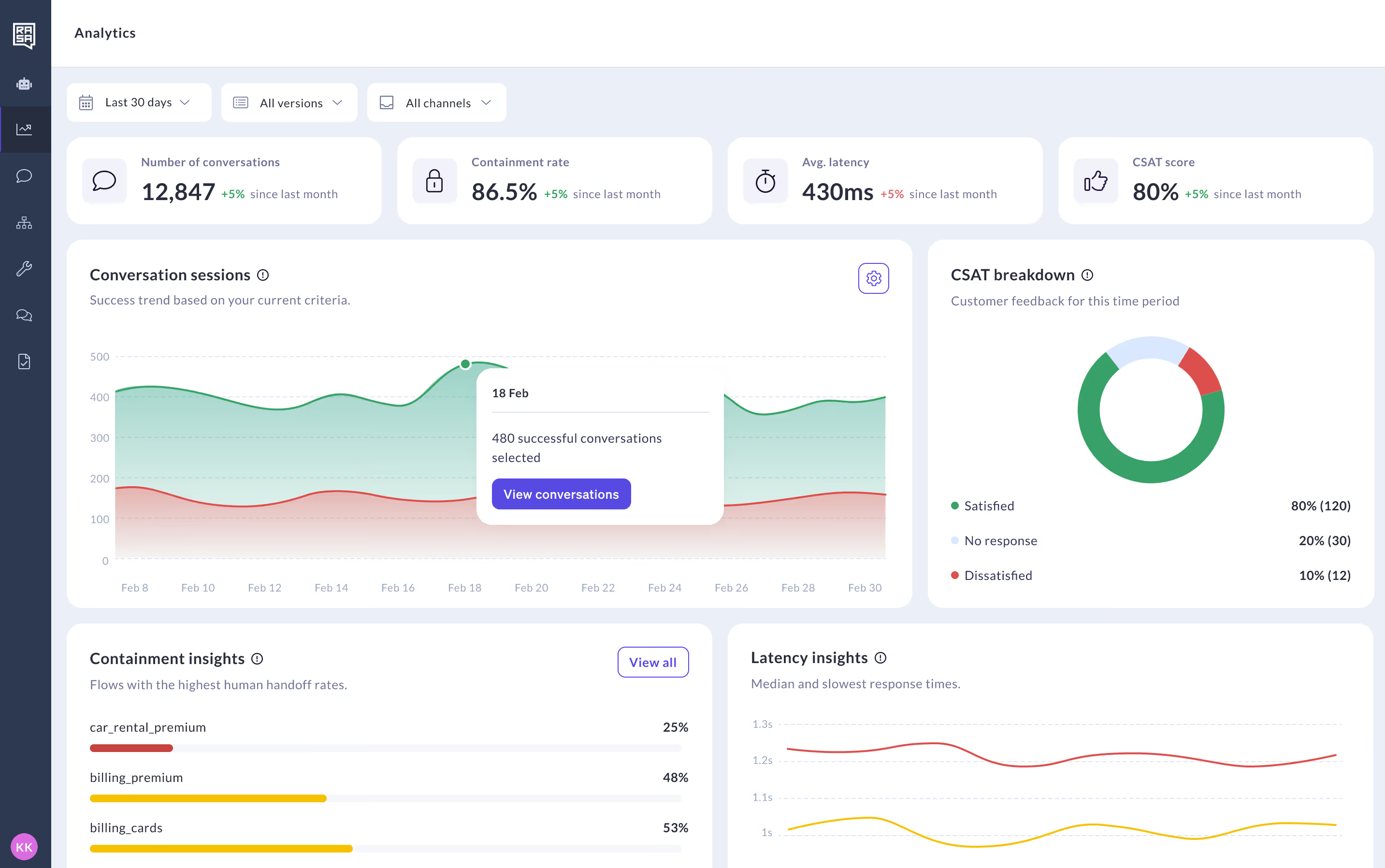
Studio ships a built-in analytics dashboard. No external setup, no third-party integration required.
The dashboard covers the metrics teams most often ask for: total conversation sessions, containment rate, average latency, and CSAT score, each with a month-over-month comparison. Containment insights surface the user journeys with the lowest rates, so you know where to focus. Latency insights show the breakdown over time.
Conversation Review: filter by tag, language, and channel
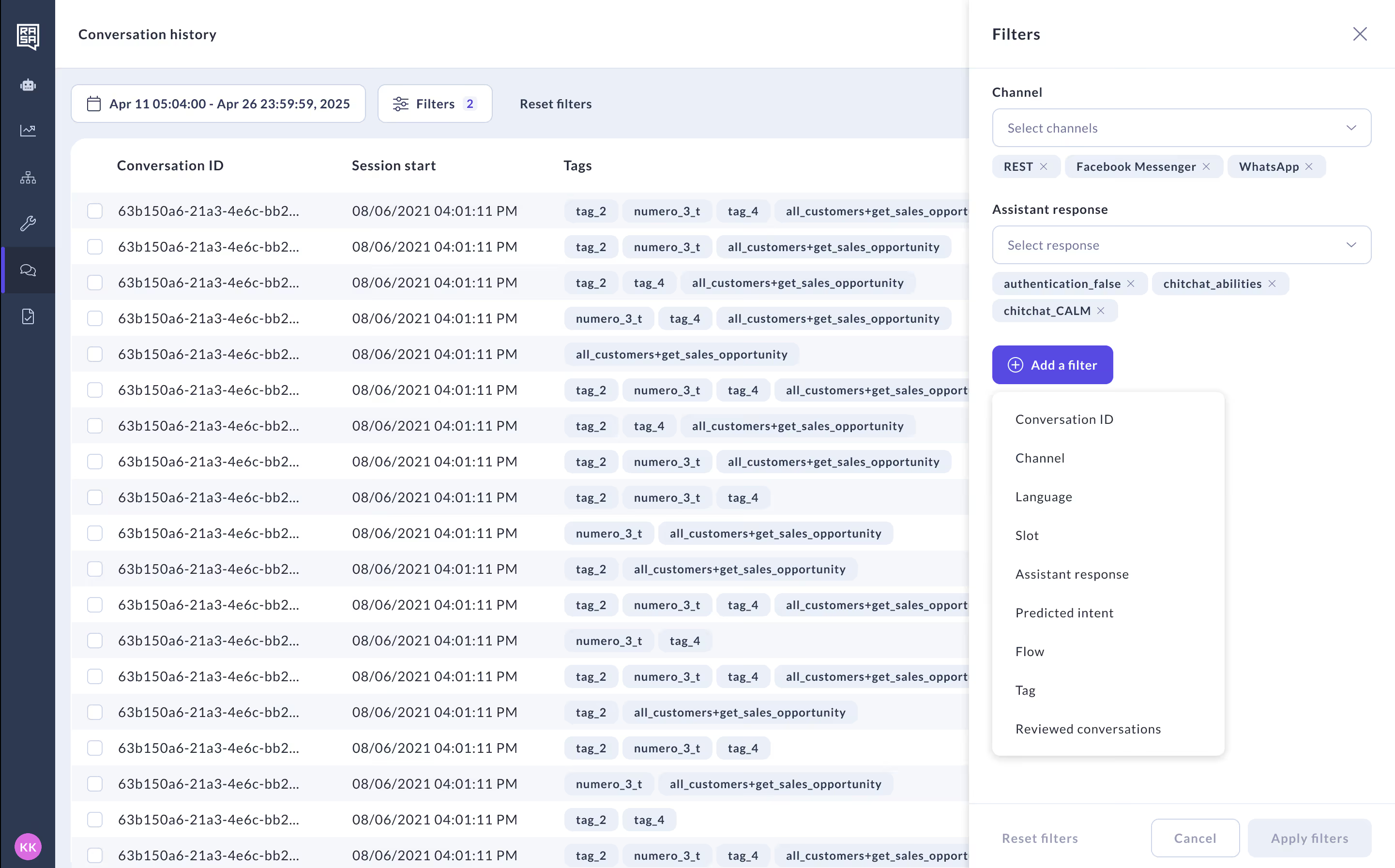
Conversation Review has new filters for channel, language, and tag. The filter model is additive: stack all three, or use one. Reset clears everything at once. The conversations that previously required manual scrolling to find are now a few clicks away.
Built-in CSAT collection
Getting satisfaction scores after a conversation used to require a custom flow. It no longer does.
A new pattern, pattern_customer_satisfaction, triggers automatically after pattern_completed when the user indicates they are done. It collects a csat_score slot with two values (satisfied or unsatisfied), responds accordingly, and asks only once per session. The pattern, its responses, and its trigger conditions are all customizable.
If you already have a custom CSAT flow, populate the standard csat_score slot with the allowed values. Analytics picks it up without affecting your user experience.
ReAct filler messages
A reAct agent that calls three tools before responding has a specific problem in voice: several seconds of silence before any response. Users in voice channels hear nothing while the agent works.
Rasa 3.16 adds filler message support. Before executing tool calls, the agent sends an acknowledgment, something like "Let me pull up those details." The message streams to the user immediately. The tool calls run. The full response follows when they complete.
Filler messages are on by default. Disable per agent if needed:
configuration:
  enable_filler_messages: false
GPT-5.1, GPT-5.2, and Claude Sonnet 4.5
Optimized command generator prompt templates for GPT-5.1, GPT-5.2, and Claude Sonnet 4.5. While Rasa is language model agnostic, it is important to tune the system prompts for the language model you are using. This adds to the list of prompts we have benchmarked and tuned for you.
Benchmark results: GPT-5.2 and the latest Claude models now outperform GPT-4o on command generation accuracy.
Set the model in endpoints.yml, and the correct prompt template will be used automatically.
Notable fixes
- Session management got a full overhaul. Every session now carries a UUID on all events, so tracking and analytics have a reliable identifier to work with. Sessions end explicitly — as ConversationInactive (resumable) or SessionEnded (permanently closed) — rather than just timing out ambiguously. A new start_session_after_expiry config controls what happens when a session expires. And a new admin endpoint GET /users/{user_id}/trackers gives you paginated conversation history per user
- Multilingual voice in a single deployment. ASR and TTS reconfigure at runtime based on the built-in language slot. No separate deployment per language.
Want to learn more? Read the release notes and check out the version migration guide.
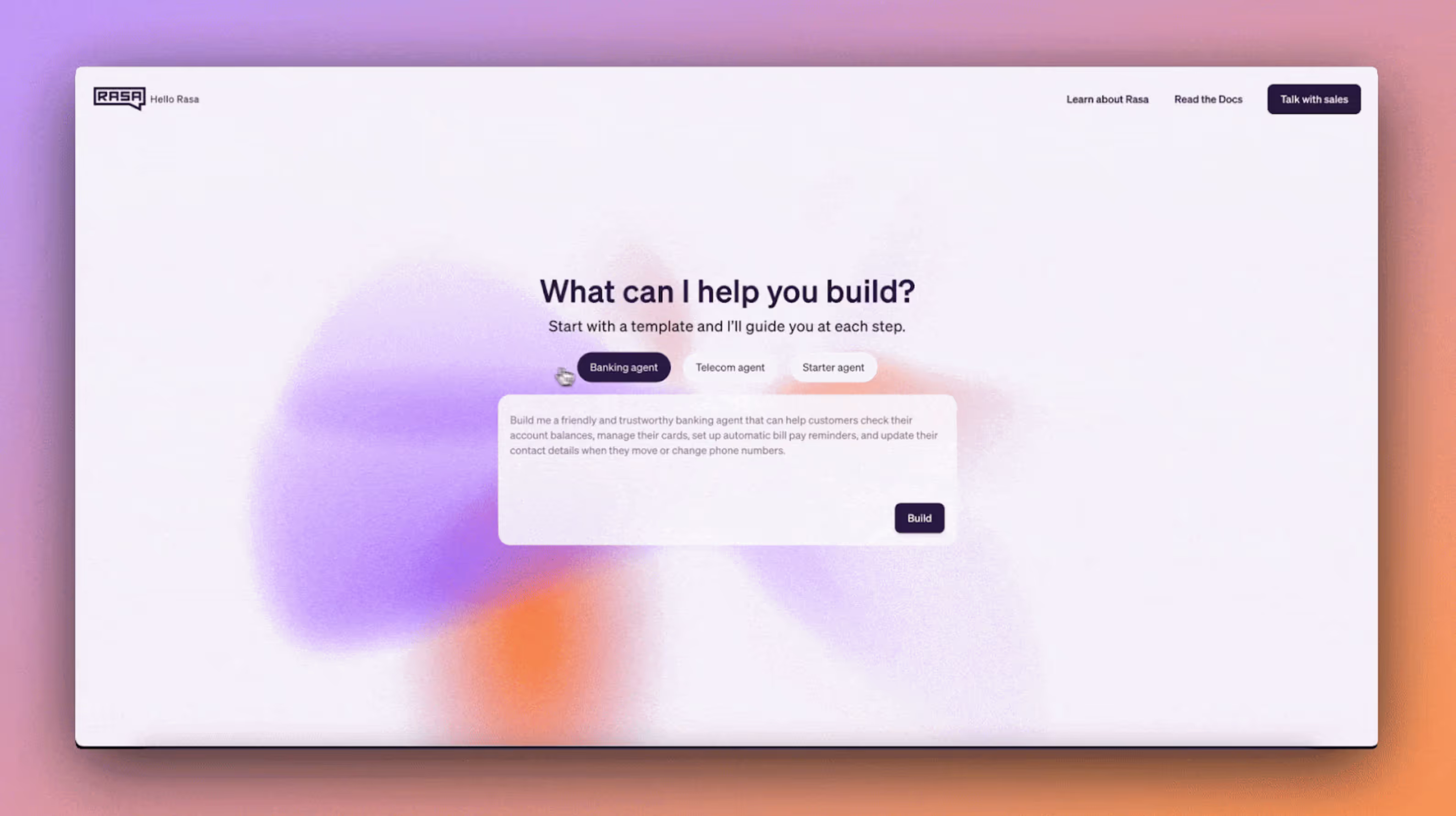
New to Rasa? Try out our developer playground
Frequently asked questions
Where can I find the release notes? Rasa 3.16 release notes can be found here.
What are Rasa MCP Tools? Rasa MCP Tools is a local MCP server that enables IDE copilots (Cursor, VS Code Agent Mode, Claude Code, JetBrains AI) to read, write, validate, and debug Rasa projects. It ships with Rasa 3.16.
What models does Rasa 3.16 support? GPT-5.1, GPT-5.2, and Claude Sonnet 4.5 ship with optimized prompt templates. Our benchmarks show they outperform GPT-4o for Rasa command generation.
Does the CSAT pattern work with existing implementations? Yes. If you already collect satisfaction scores, populate the standard csat_score slot with the allowed values (satisfied, unsatisfied, skipped), and Analytics picks it up without any UX changes.
What is the audio quality improvement in voice? Rasa 3.16 upgrades from 8kHz mu-law to Linear PCM at 24kHz on Audiocodes and Jambonz, and 48kHz for Browser and Studio—no configuration required.